Introduction
This guide will show you how to replace the SuperDrive from your laptop (requires a SATA SuperDrive).
What you need
-
-
Remove the following ten screws securing the lower case to the upper case:
-
Seven 3 mm Phillips screws.
-
Three 13.5 mm Phillips screws.
-
-
Tool used on this step:P6 Pentalobe Screwdriver 2009 15" MacBook Pro Battery$5.49
-
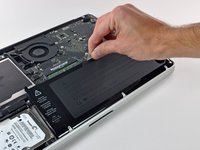
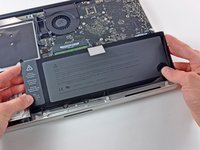
Three Pentalobe screws secure the battery to the upper case. They can be removed with this special driver.
-
-
-
-
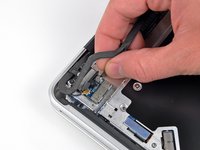
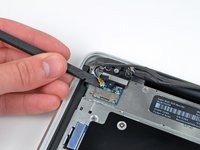
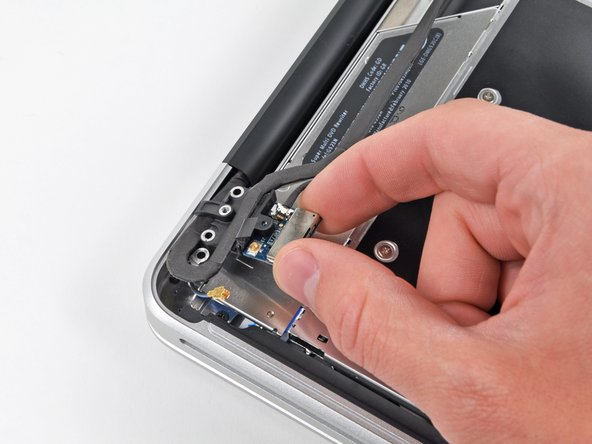
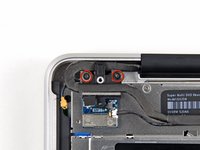
Hold the end of the cable retainer down with one finger while you use the tip of a spudger to slightly lift the other end and rotate it away from the camera cable connector.
-
-
-
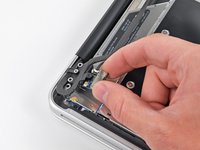
Remove the optical drive cable by pulling it straight away from the optical drive.
-
-
-
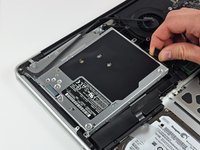
Remove the two black Phillips #0 screws securing the small metal mounting bracket. Transfer this bracket to your new optical drive or hard drive enclosure.
-







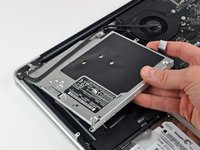


To reassemble your device, follow these instructions in reverse order.
Cancel: I did not complete this guide.
26 other people completed this guide.


