Introduction
Replacing the WiFi card can help bring back the wireless signal on your Airport.
What you need
-
-
Use a blow dryer or heat gun on a medium to high heat setting on the back pad to loosen the glue that attaches it to the device.
-
-
-
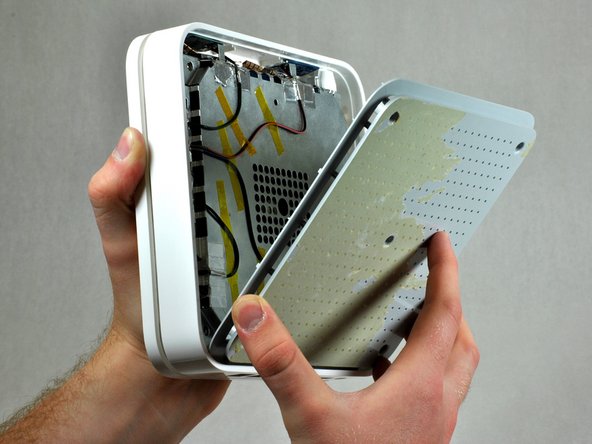
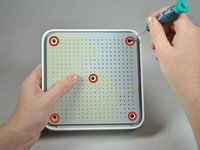
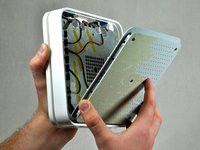
After removing the back pad, unscrew the five 5 mm Phillips #00 screws in the large, deep holes in the plastic casing. The plastic casing should come off easily after removing all the screws.
-
-
-
-
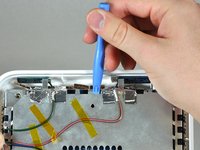
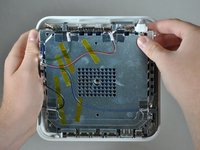
Insert a narrow plastic opening tool into one of the notches. Apply moderate force to pull the metal casing from the plastic outer casing. You can use the rim of the outer case as leverage. You should hear a click when the metal casing detaches.
-
After you hear the click, remove the inner metal case from the outer case using your hands. It should not take very much force.
-
-
-
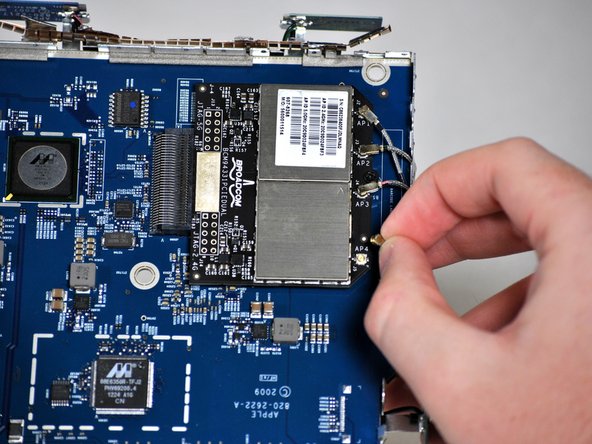
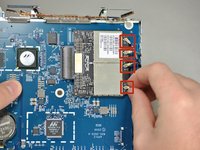
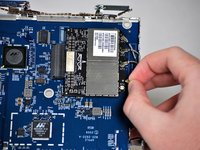
Remove the four wires coming from the antennas by pinching the cable at the tip and gently pulling up on it until it pops out of the socket.
-
Repeat for the remaining three wires.
-







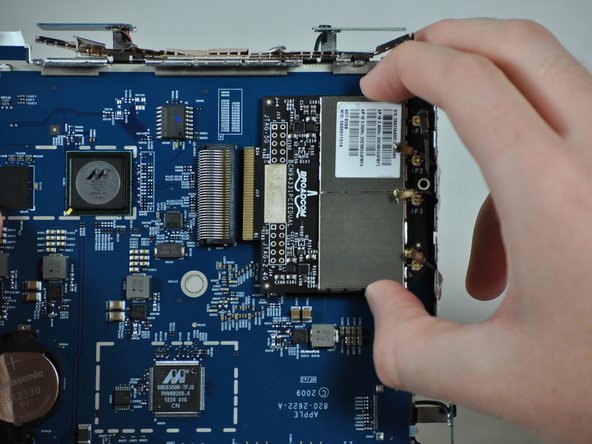
To reassemble your device, follow these instructions in reverse order.
Cancel: I did not complete this guide.
2 other people completed this guide.


Team

Cal Poly, Team 10-37, Amido Fall 2014 Member of Cal Poly, Team 10-37, Amido Fall 2014
CPSU-AMIDO-F14S10G37
4 Members
12 Guides authored
