Mac mini Model A1283 Hard Drive Replacement

Featured Guide

Featured Guide

This guide has been found to be exceptionally cool by the iFixit staff.

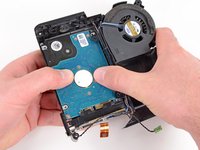
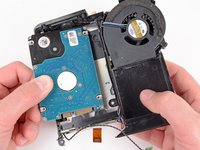
Replace the hard drive in your Mac mini Model A1283.

  • Add Note x
  • x 143

Upgrade your hard drive for more storage space.

Image #1

Add Note Edit Step 1 — Top Housing  ¶ 

  • You can skip this step if you bought your putty knife from iFixit. Putty knives purchased from iFixit come with pre-ground edges.

  • You'll need a putty knife in order to open the case. A 1.5 inch thin putty knife will work well, but you'll want to grind the edge down. Rub the putty knife's short edge back and forth on a sheet of all purpose rough grit sandpaper (100 grit will work fine) until it attains a beveled edge.

Image #1 Image #2

Add Note Edit Step 2  ¶ 

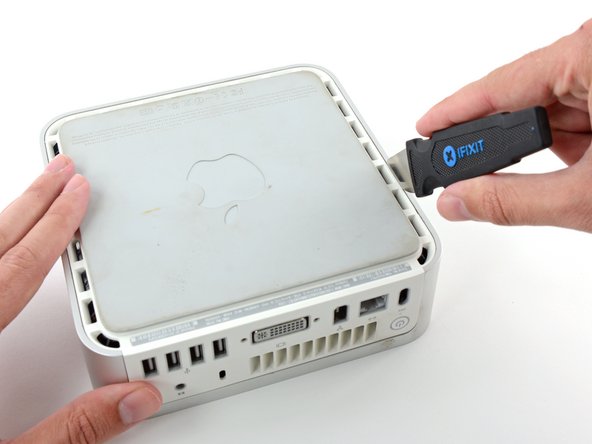
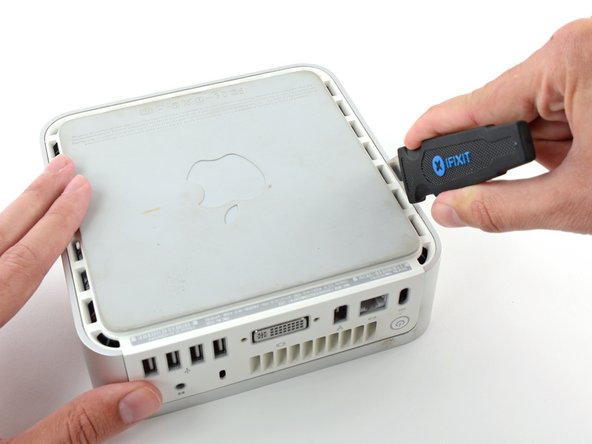
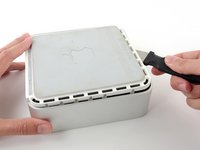
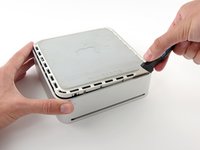
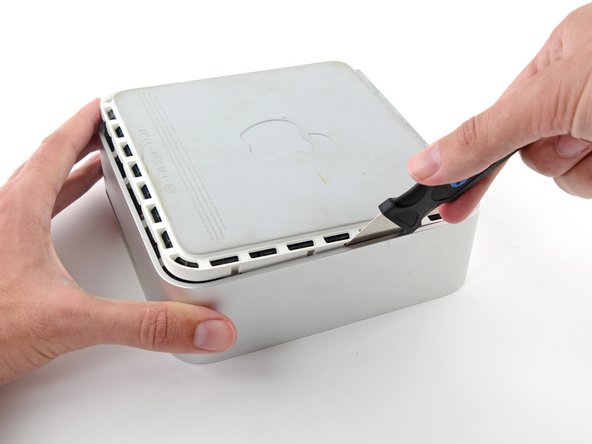
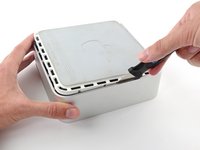
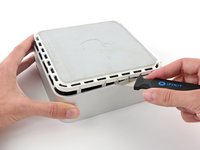
  • Carefully insert a putty knife into the crevice in between the top cover and bottom housing. Start on the left side first. Push the blade down until you meet firm resistance (roughly 3/8 of an inch).

  • Gently enlarge the existing crevice by rotating the putty knife downward and away from the mini.

Image #1

Add Note Edit Step 3  ¶ 

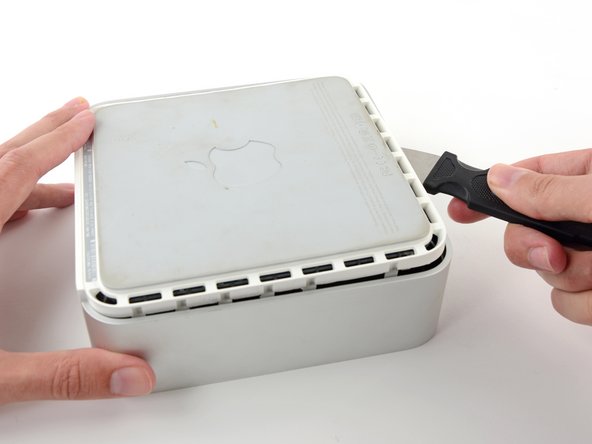
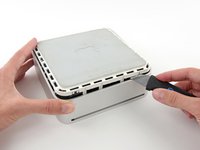
  • Repeat the prying motion until a portion of the bottom housing has been nudged upward.

Image #1

Add Note Edit Step 4  ¶ 

  • Repeat the same prying procedure on the right side.

Image #1

Add Note Edit Step 5  ¶ 

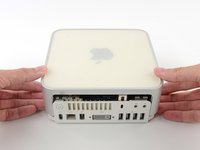
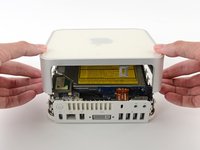
  • The top cover should now be marginally separated from the bottom housing. Use your fingers to completely separate the two, starting with the I/O side of the mini.

Image #1

Add Note Edit Step 6 — Internal Frame  ¶ 

  • In the next few steps you will be removing the AirPort and Bluetooth antennas (shown in red) from the internal frame. Be very careful, as breaking the brackets will require replacing the internal frame.

  • We will first remove the AirPort antenna, located in the lower left corner of this picture.

Image #1 Image #2

Add Note Edit Step 7  ¶ 

  • Slightly squeeze the two retaining arms toward each other and lift the AirPort antenna off its post.

  • Squeezing the two posts excessively will surely break them off the internal frame. Work delicately.

  • During reinstallation, you will have to slightly squeeze the two posts together so they fit into the openings on the AirPort antenna board.

Image #1 Image #2

Add Note Edit Step 8  ¶ 

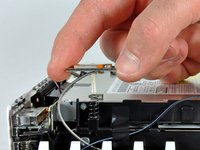
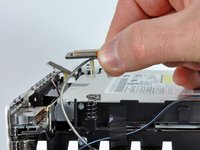
  • The two Bluetooth antenna boards simply lift off the internal frame.

  • Grab the Bluetooth antenna nearest the port side of the computer by the edges of the board and pull it straight up off the internal frame.

    • Pull carefully, as it may offer significant resistance and release suddenly.

Next » « Previous

Required Tools

Spudger

$2.95 · 50+ In stock

Phillips #00 Screwdriver

$4.95 · 50+ In stock

1.5" Thin Putty Knife

$6.95 · 24 In stock

Related Products

500 GB 5400 RPM 2.5" Hard Drive

$89.95 · 6 In stock

500 GB 7200 RPM 2.5" Hard Drive

$99.95 · 32 In stock

Recommended Tools

Universal Drive Adapter

$29.95 · 50+ In stock

Inspection Scope

$39.95 · 17 In stock

Portable Anti-Static Mat

$24.95 · 10 In stock

Comments Add Note Comments are offturn on