Introduction
Use this guide to replace a broken front facing camera.
What you need
-
-
Power off your iPhone before beginning disassembly.
-
Remove the two 3.6 mm Pentalobe P2 screws next to the dock connector.
-
-
-
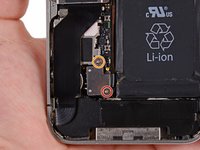
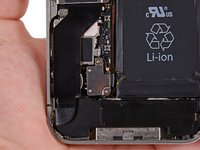
Remove the following screws securing the battery connector to the logic board:
-
One 1.7 mm Phillips screw (PH00)
-
One 1.5 mm Phillips screw (PH00)
-
-
-
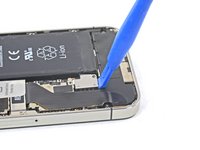
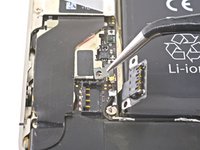
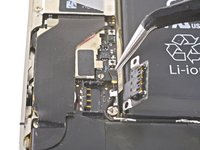
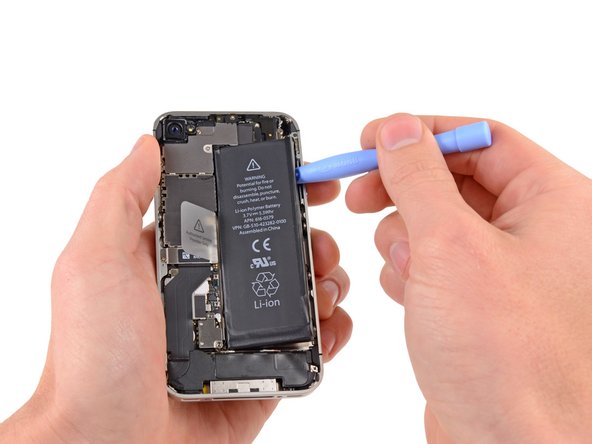
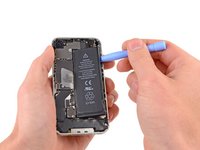
Insert the edge of a plastic opening tool between the battery and the outer case near the bottom of the iPhone.
-
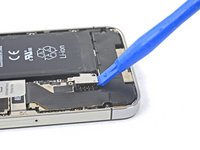
Run the plastic opening tool along the right edge of the battery and pry up at several points to completely separate it from the adhesive securing it to the outer case.
-
Wait about one minute for the alcohol solution to weaken the adhesive.
-
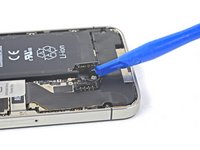
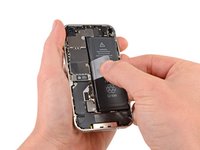
Use the flat end of a plastic opening tool to gently lift the battery.
-
-
-
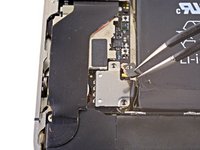
Remove the following screws securing the dock connector cable cover to the logic board:
-
One 1.5 mm Phillips screw
-
One 1.2 mm Phillips screw
-
Remove the metal dock connector cable cover.
-
-
-
-
Use a SIM eject tool or a paperclip to eject the SIM and its tray.
-
Remove the SIM and its tray.
-
-
-
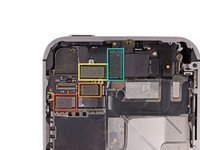
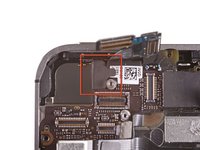
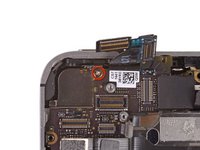
Remove the five cables near the top of the logic board in the following order:
-
Headphone jack/volume button cable
-
Front facing camera cable
-
Digitizer cable
-
Display data cable
-
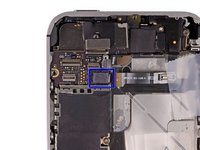
Power button cable (located underneath the headphone jack/volume button cable as shown in the second picture.)
-
-
-
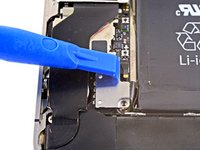
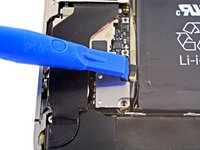
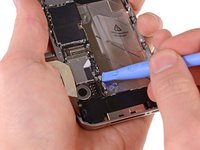
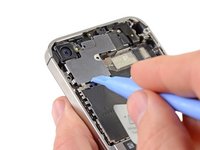
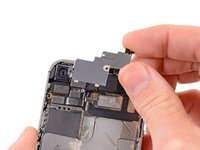
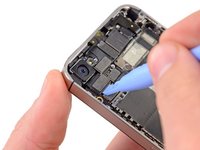
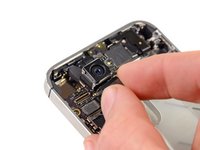
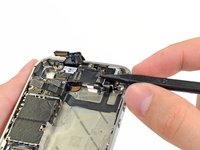
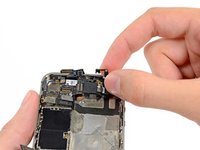
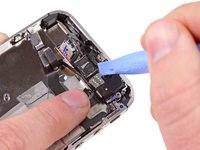
Use the edge of a plastic opening tool to carefully pry the metal front facing camera retainer away from the case of your iPhone.
-
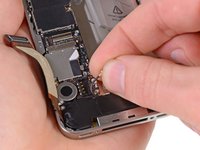
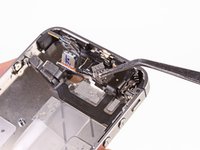
Remove the front facing camera retainer.
-


























To reassemble your device, follow these instructions in reverse order.
Cancel: I did not complete this guide.
102 other people completed this guide.


6 Guide Comments
What if I can't put the two initial screws back?
desarme el telefono para cambiar la camara frontal y ahora no me funciona me aparace en negro que sera?
I did it and it worked. But be prepared and patient. :)
Nicely documented, a very nice graphical explanation, thumbs up!
My phone is not restarting after removing front and rear cameras
