Introduction
The display must be removed to gain access to most of the internal components on your iMac.
What you need
-
-
Loosen the two captive Phillips screws securing the access door to the iMac.
-
Remove the access door from the iMac.
-
-
-
Flip your iMac over and lay it stand-side down on a flat surface.
-
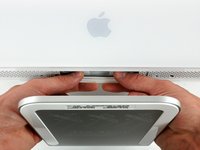
To lift the front bezel off the iMac, simultaneously:
-
Use your thumbs to press in the RAM arms and hold the iMac down.
-
Use your index fingers to pull the small bridge of material on the front bezel toward yourself.
-
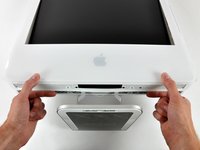
Pull the Front bezel up with your index fingers.
-
Once the small bridge of material has cleared the RAM arms, lift the front bezel by its lower edge just enough to clear the bottom edge of the rear case.
-
-
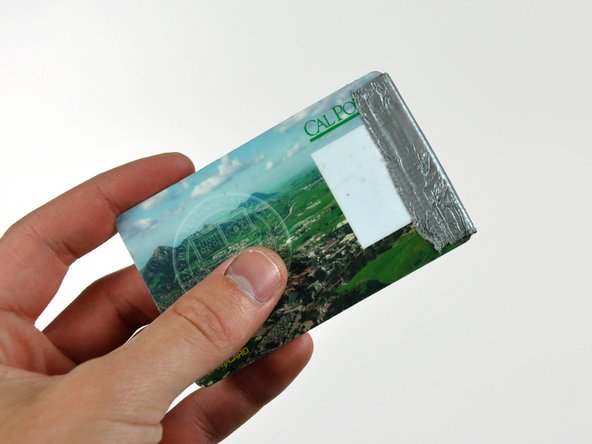
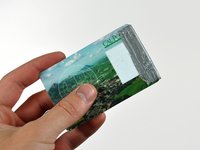
Tool used on this step:Plastic Cards$2.99
-
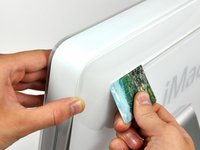
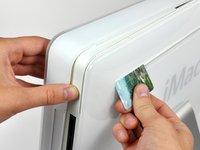
Insert a plastic card up into the corner of the air vent slot near the top of the rear case.
-
Push the card toward the top of the iMac to release the front bezel latch.
-
Pull the front bezel away from the rear case.
-
Repeat this process for the other side of the front bezel.
-
If the bezel refuses to release, try pressing the lower edge back onto the rear case and repeat this opening process.
-
-







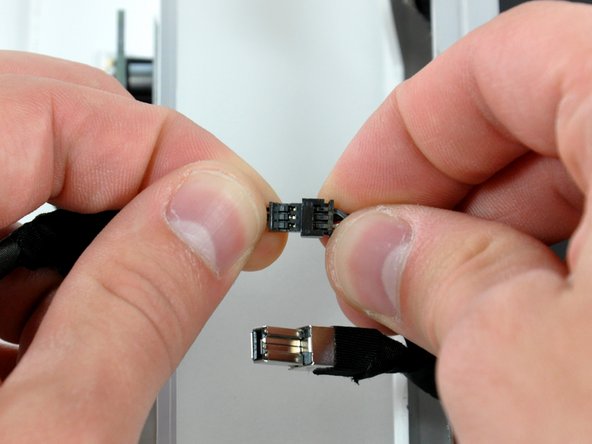
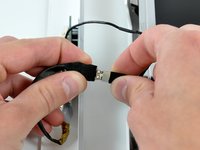
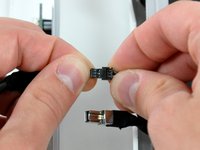


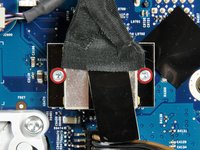
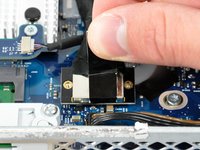


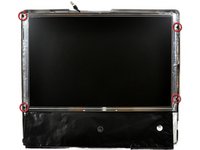
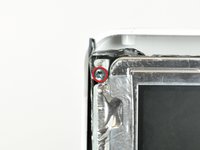

To reassemble your device, follow these instructions in reverse order.
Cancel: I did not complete this guide.
51 other people completed this guide.


2 Guide Comments
Please be careful at step 5. This is because the wiring attached to the microphone is very delicate and might snap when you are wiggling the bezel free from the rest of the computer. I did this and spent a lot of time soldering back the thin microphone wires. Pull the bezel away carefully, taking care not to snap any of the wires.
