Introduction
Replace the display in your iMac.
What you need
-
-
Lay the iMac display-side down on a flat surface.
-
Loosen the three Phillips screws securing the rear panel to the iMac.
-
-
-
Remove the three 8 mm brass Phillips screws securing the optical drive to the midplane.
-
-
-
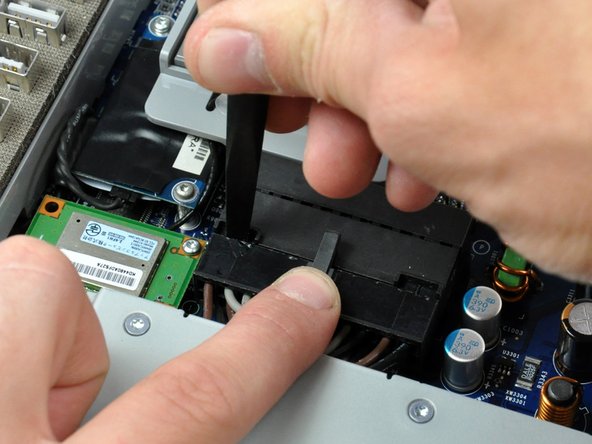
Slide the inverter-to-display cable connector from under the metal clip on the midplane.
-
-
-
-
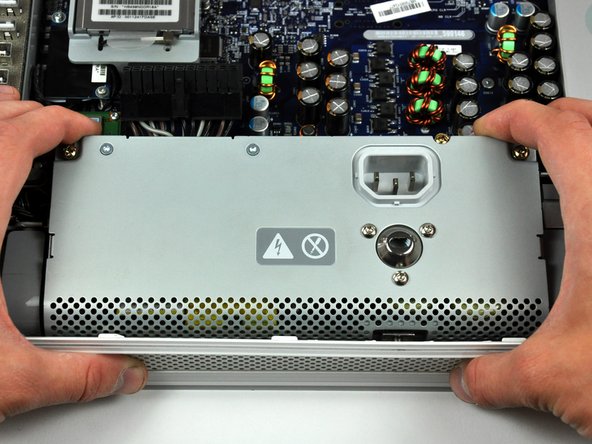
Rotate the center Phillips screw on the bottom of the iMac clockwise until the rear panel clamp contacts the edge of the case.
-
-
-
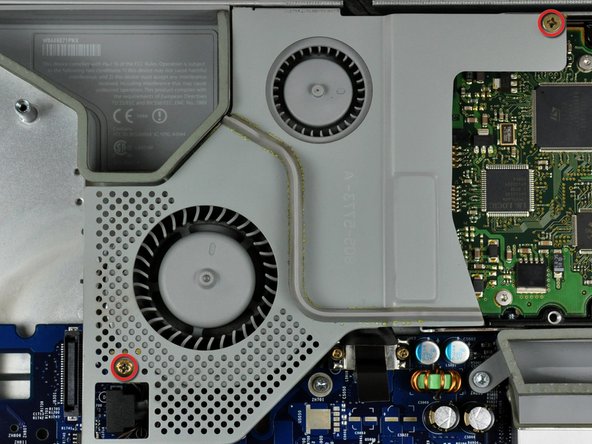
Remove the two Phillips screws securing the fan cover to the midplane.
-
Lift the fan cover up off midplane.
-







To reassemble your device, follow these instructions in reverse order.
To reassemble your device, follow these instructions in reverse order.
Cancel: I did not complete this guide.
29 other people completed this guide.


