Introduction
Replace the display inverter with the display assembly still attached to your computer.
What you need
-
-
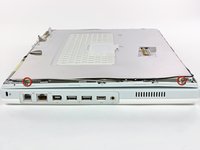
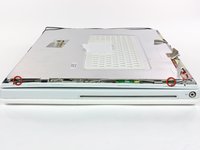
Use a 1.5 mm hex screwdriver to remove the two hex screws on either side of the display (four screws total).
-
If you don't have a 1.5 mm hex driver, you can probably get these screws out with a T6 Torx screwdriver. However, if you use a T6 Torx driver you'll be more likely to strip the screws.
-
-
-
-
Close the display.
-
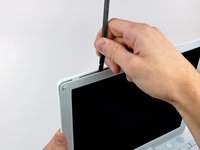
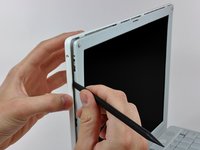
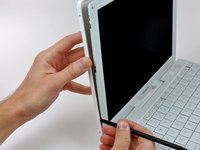
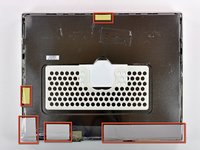
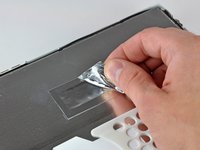
Remove the several pieces of tape securing the thin metal LCD cover to the display.
-
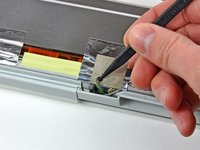
Carefully remove the piece of foil tape covering the display data cable connection.
-
-
-
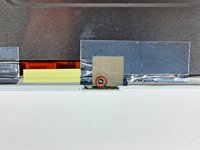
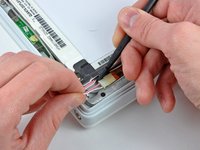
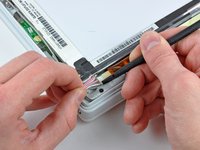
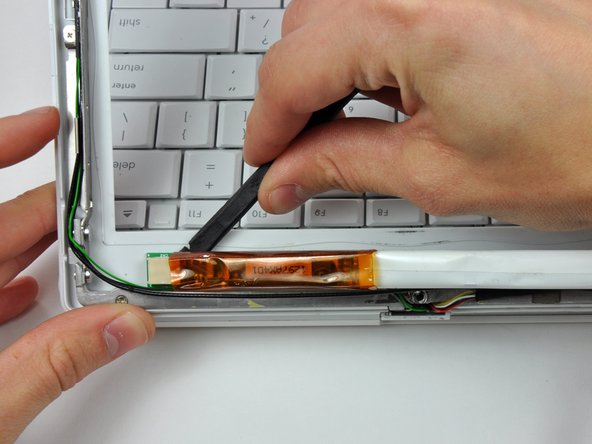
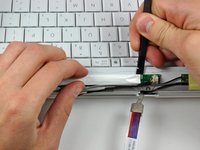
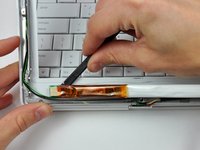
Remove the two pieces of yellow tape covering the inverter/AirPort cables.
-















To reassemble your device, follow these instructions in reverse order.
Cancel: I did not complete this guide.
3 other people completed this guide.


