Introduction
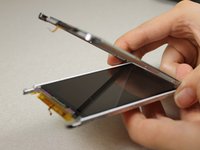
Use this guide when you need to replace your display due to a clumsy mistake.
What you need
-
-
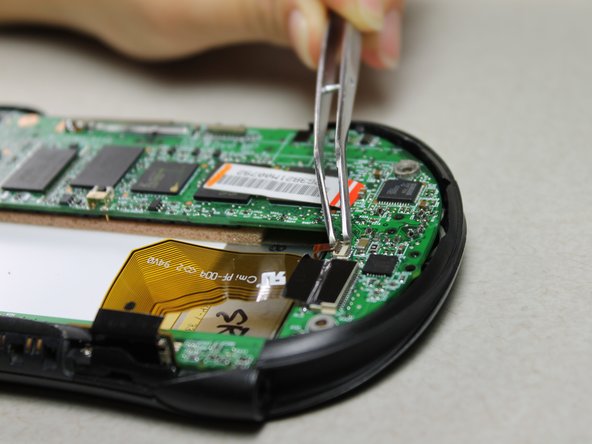
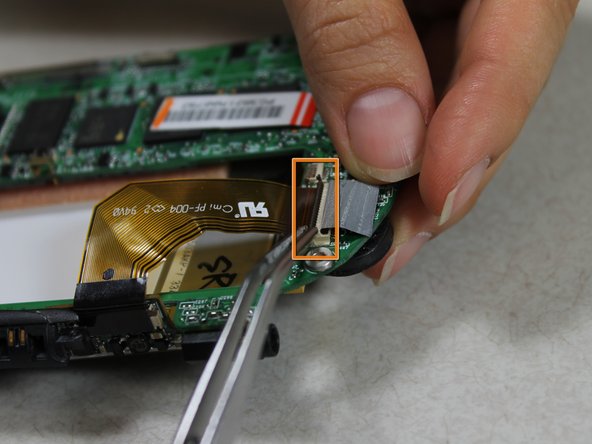
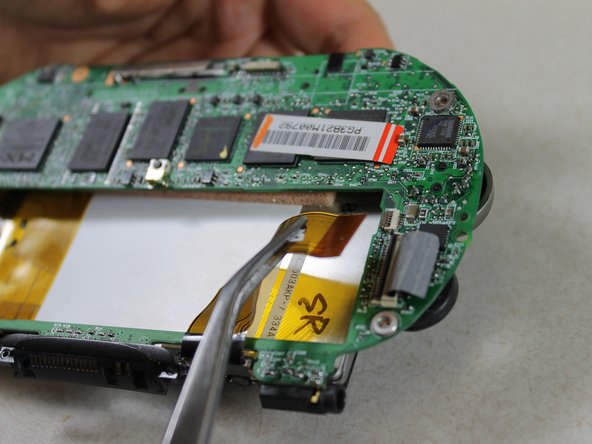
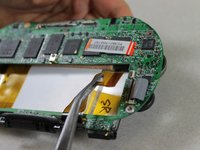
Slide the battery out from under the brown wire-tape.
-
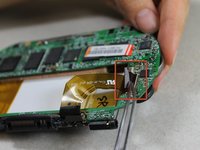
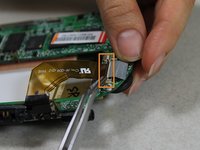
Be careful of the wires still connected to the other end of the battery. Do not pull or damage may occur.
-
-
-
-
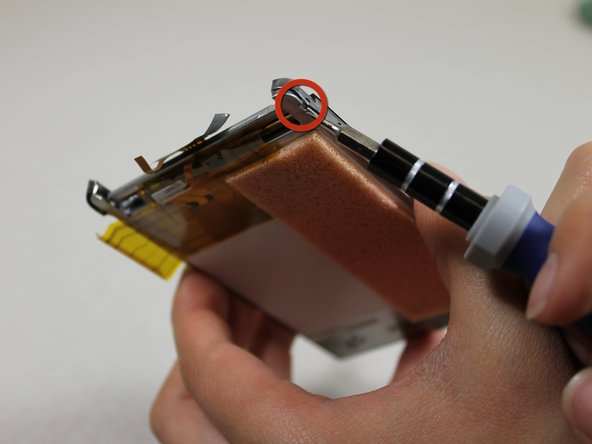
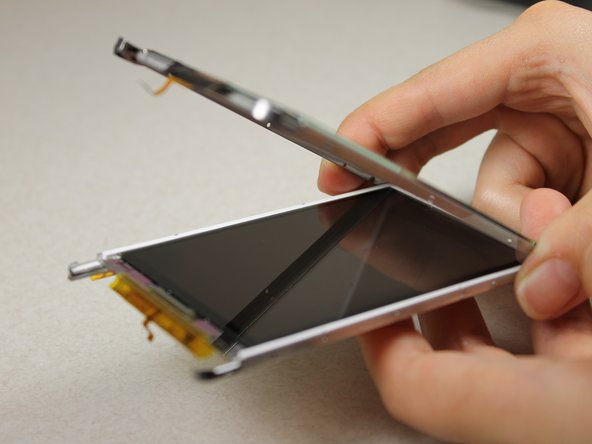
Unscrew the 2 Philips #00 screws from the bottom edge of the screen component.
-






Conclusion
To reassemble your device, follow these instructions in reverse order.



Team

Cal Poly, Team 10-33, Amido Winter 2012 Member of Cal Poly, Team 10-33, Amido Winter 2012
CPSU-AMIDO-W12S10G33
4 Members
10 Guides authored
