Introduction
The PRAM battery on your PowerBook gives the RAM power to store startup information when you shut off your computer. Luckily, it is easily accessible.
What you need
-
-
Use a coin to turn the battery locking screw 90 degrees clockwise.
-
Lift the battery out of the computer.
-
-
-
Remove the following 10 screws:
-
Two 3 mm Phillips in the battery compartment, on either side of the battery contacts.
-
Four 3 mm Phillips around the memory compartment.
-
Four 16 mm Phillips along the hinge.
-
-
-
-
Rotate the computer 90 degrees clockwise so the ports face you.
-
Remove the three 3 mm Phillips screws along the edge of the lower case.
-
When replacing these screws, you must install them in the correct order. Begin by installing the screw closest to the display hinge, then work your way toward the front of the computer. Also, be careful not to put the screws in the two holes on either side of the video out port.
-


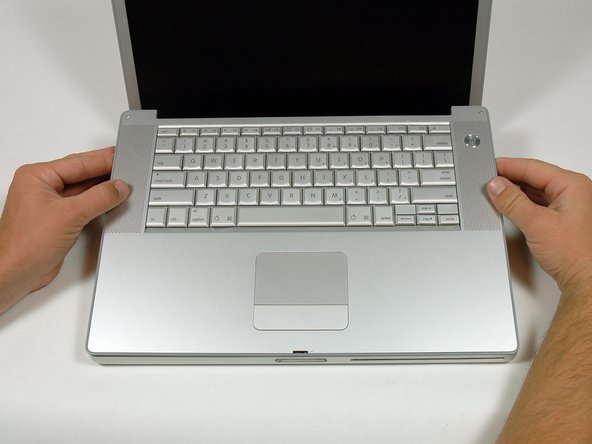

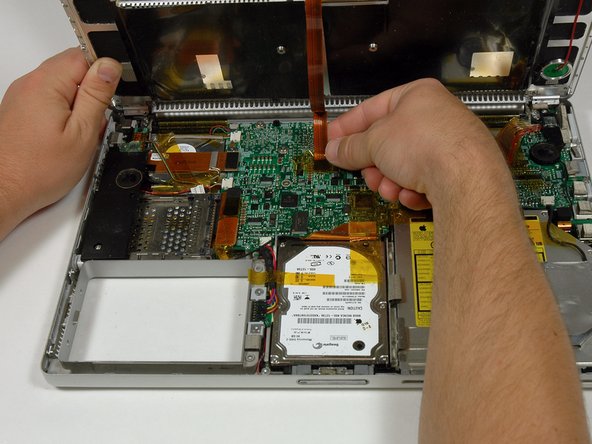


To reassemble your device, follow these instructions in reverse order.
Cancel: I did not complete this guide.
11 other people completed this guide.
Attached Documents


4 Guide Comments
It would be helpful to know whether a new PRAM battery unit needs charging as in this article
https://discussions.apple.com/thread/239...
or whether it is assumed that it will start charging in the course of normal use.
It is not standard but you can change it anyway...
The Apple part number (MPN) for the board that this PRAM is connected to inside an A1138 PowerBook is 820-1819-A.
The MPN for the board inside an A1107 PowerBook is 820-1814-A.
The only available Li-Po battery replacement I can find with the required 2-pin connector already attached to the wires is the CS-AP1107SL by Cameron Sino. However, this battery is marketed as compatible with the A1107 or more generally with the 17-inch PowerBooks.
I wonder why it is not also marketed as compatible with the A1138. According to https://www.smallbattery.company.org.uk/... the LP302030 battery is used on both 820-1819-A and 820-1814-A boards.
While the boards may be different, I think that the rectangular 3.7 V Li-Po battery packs can be used in any 15-inch and 17-inch PowerBook.
