Installing Power Mac G4 M5183 Hard Drive

User-Contributed Guide

User-Contributed Guide

This guide is not managed by iFixit staff.

  • Add Note x
  • x 10

Removing the Hard Drive.

Sections
Tools
first image
thumb image 1
thumb image 2

Add Note Edit Step 1 — Case  ¶ 

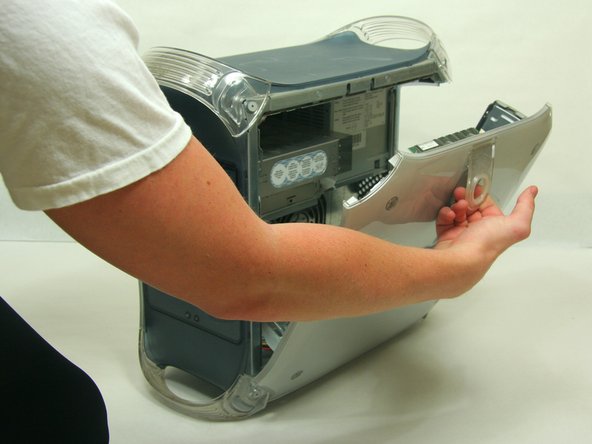
  • Pull on outer latch.

  • Lower door until it is level with your work surface.

  • Before working on the computer make sure it is not plugged into a power supply, then touch a metal object. This discharges static electricity, which could damage the computer.

first image
thumb image 1
thumb image 2

Add Note Edit Step 2 — Hard Drive  ¶ 

  • Remove the ribbon cable and power cable from the Hard Drive.

first image

Add Note Edit Step 3  ¶ 

  • Remove the screw which holds the Hard Drive tray in place.

Next » « Previous

Comments Add Note Comments are offturn on