Introduction
Removing the top cover requires a fine-tipped soldering iron and knowledge of surface mount soldering.
What you need
-
-
Use your finger tip to pull the battery release tab toward the center of the D70.
-
Open the battery door and rotate it away from the bottom cover.
-
-
-
Remove the following eight screws securing the bottom cover to the D70:
-
Six 5.8 mm Phillips screws
-
One 10.7 mm Phillips screws
-
One 8.2 mm Phillips screws
-
-
-
Remove the two 4.8 mm Phillips screws securing the battery side of the rear cover to the D70.
-
-
-
Use a plastic opening tool to carefully pry up the flash unit at the point shown in the picture.
-
-
-
-
Remove the silver Phillips screw securing the port cover to the side of the D70.
-
Remove the port cover from the D70.
-
-
-
Touch the bare leads of a capacitor discharge tool to the pink and blue capacitor leads soldered to the circuit board near the AF lamp.
-
At this point, the capacitor should be discharged. Avoid touching the bare leads to prevent a shock if the capacitor is still partially charged.
-
-
Tool used on this step:Tweezers$4.99
-
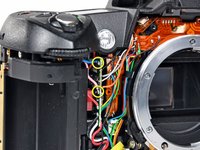
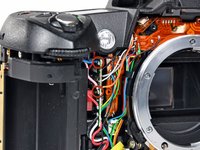
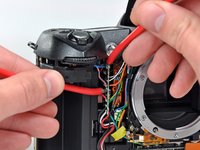
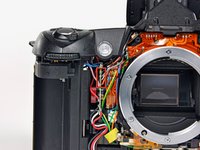
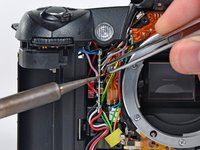
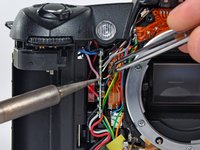
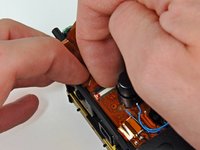
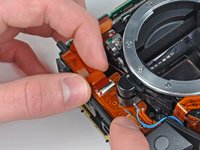
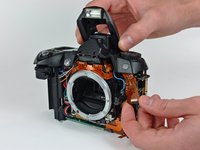
Carefully de-solder the black, grey, white, and orange leads (boxed in red) from the side of the circuit board near the AF lamp.
-
Lightly heat the joint of each lead with a soldering iron as you apply slight tension to the wire with a pair of tweezers.
-






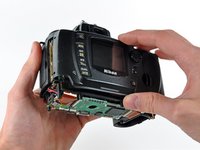
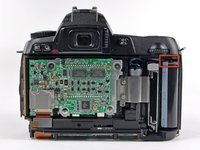


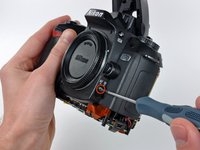
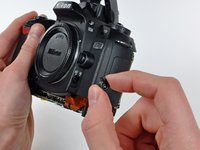


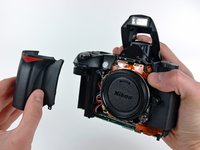


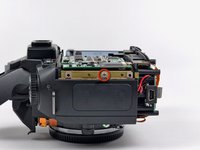
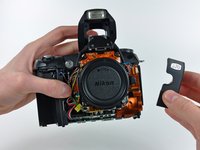








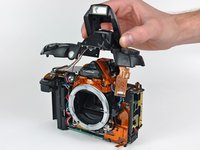
To reassemble your device, follow these instructions in reverse order.
Cancel: I did not complete this guide.
19 other people completed this guide.


2 Guide Comments
Thank you. Andrew your post are so clear I wonder you were hear in India. I'm, having exactly the same camera. It feel down with the lens on it. And since then it didn't work. Y taken to many Nikon center but to no success.
Thanks once again
Great internet site.
Roland Paingaud.
