Introduction
Replace a faulty fan to keep temperatures down.
What you need
-
-
Remove the following ten screws securing the lower case to the upper case:
-
Seven 3 mm Phillips screws.
-
Three 13.5 mm Phillips screws.
-
-
-
-
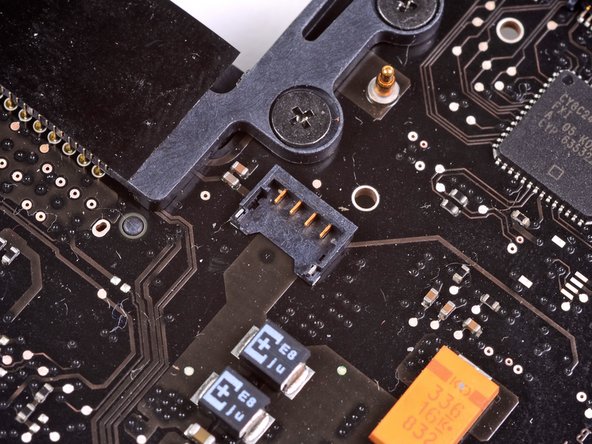
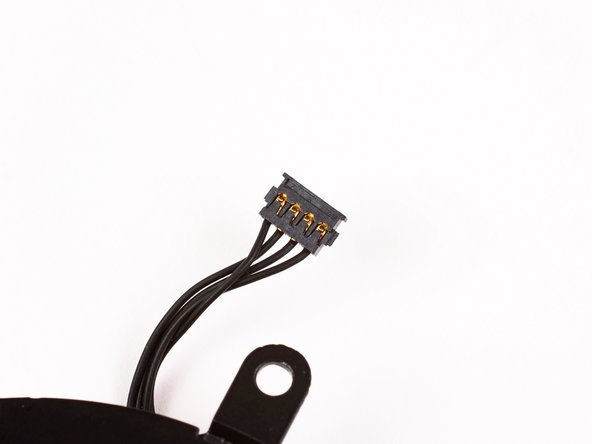
Use the flat end of a spudger to disconnect the left fan connector from the logic board.
-




To reassemble your device, follow these instructions in reverse order.
To reassemble your device, follow these instructions in reverse order.
Cancel: I did not complete this guide.
71 other people completed this guide.


4 Comments
Great guide, easy work to do! If I can do this, anyone can. If I can do this, someone who does not exist almost can. Not quite! But almost. I was happy to get that squalling and howling old fan out of my MacBook Pro, and thereby to end the squalling I got from my family over the noise it made. Like the old one, the new fan works great, but it is new, and quiet, and I am thankful. Happy customer.
