Introduction
Remove the top housing to access your mini's internals.
What you need
-
-
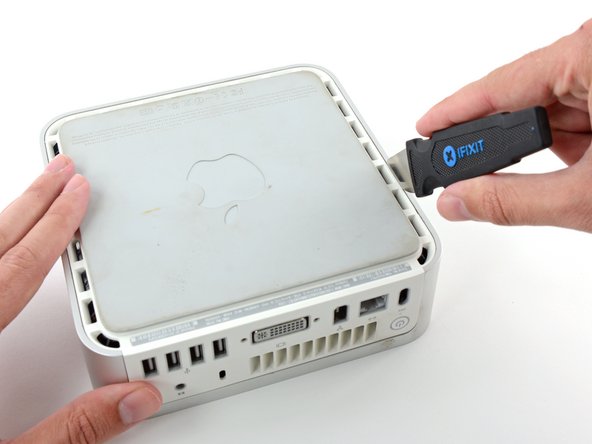
Power down your Mac mini, disconnect all of the cables, and flip it over.
-
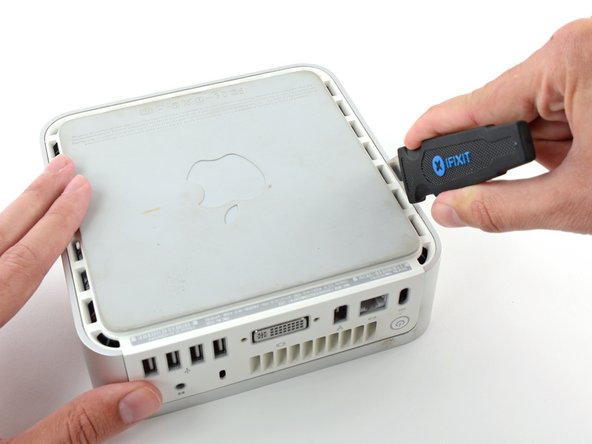
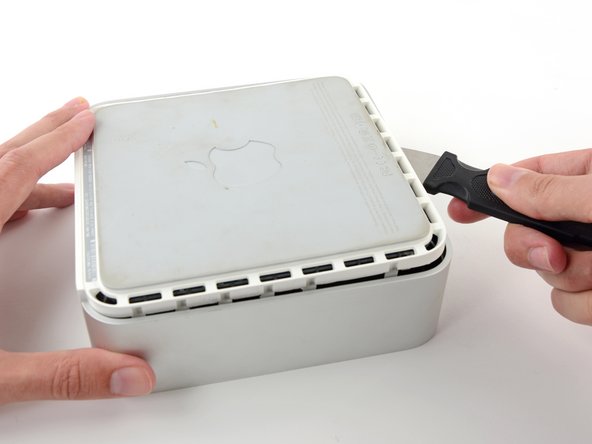
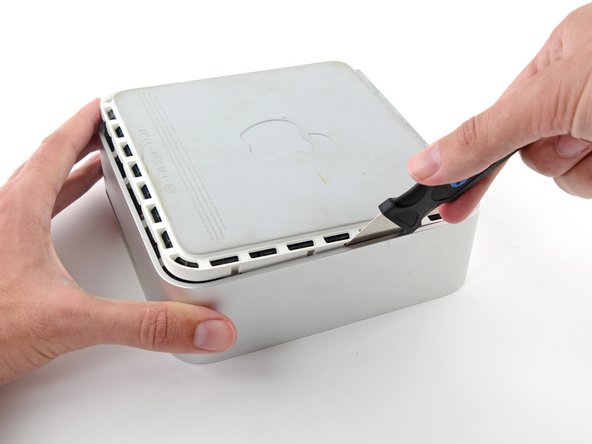
Insert the Jimmy into the crack between the aluminum top housing and the plastic lower housing.
-
The Jimmy should reach a stop about 3/8" down.
-
-






To reassemble your device, follow these instructions in reverse order.
To reassemble your device, follow these instructions in reverse order.
Cancel: I did not complete this guide.
47 other people completed this guide.


2 Comments
Does this work to remove a disc
That's part of the process. After that, you will probably need to disassemble the optical drive.
Skylar -
