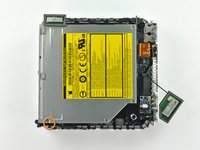
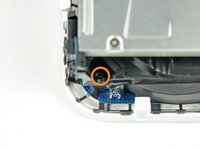
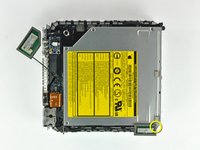
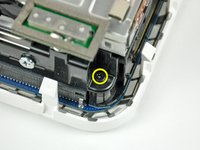
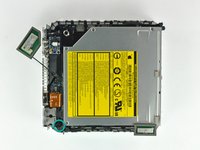
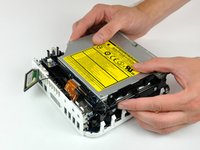
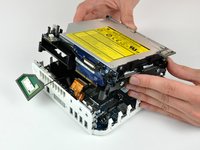
Installing Mac mini Model A1176 Optical Drive
- Author: Walter Galan
- Difficulty: Moderate
Upgrade or replace the combo or SuperDrive.
Tools (continued)
Relevant Parts
- View:
- Single page
Edit
Step 1
—
Top Housing

-
You can skip this step if you bought your putty knife from iFixit. Putty knives purchased from iFixit come with pre-ground edges.
-
You'll need a putty knife in order to open the case. A 1.5 inch thin putty knife will work well, but you'll want to grind the edge down. Rub the putty knife's short edge back and forth on a sheet of all purpose rough grit sandpaper (100 grit will work fine) until it attains a beveled edge.
Edit
Step 2

-
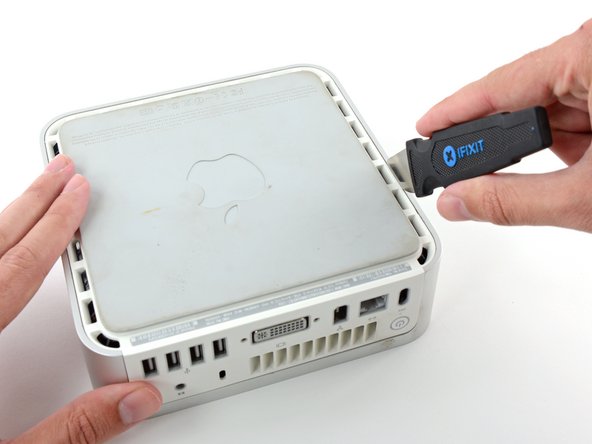
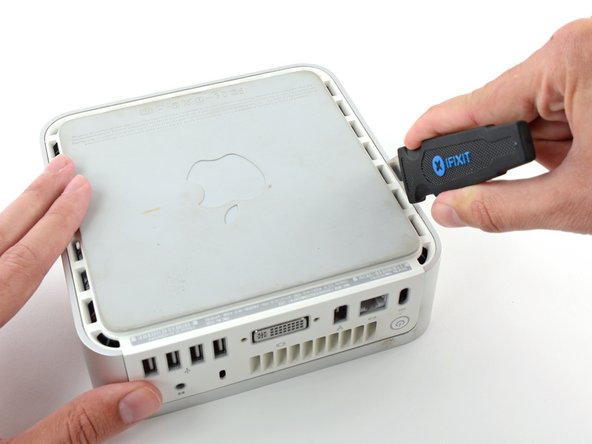
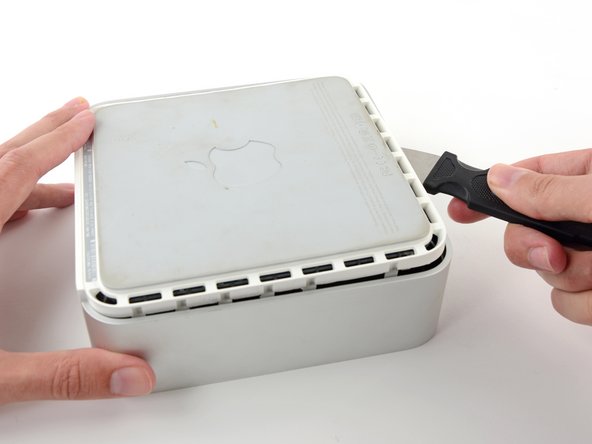
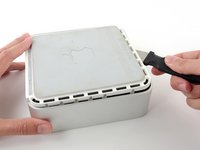
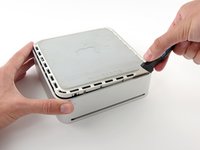
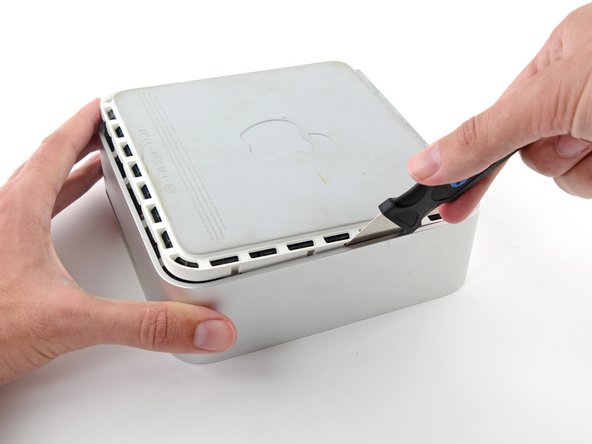
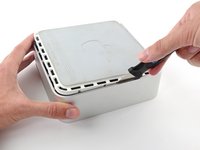
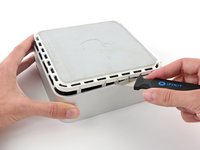
Carefully insert a putty knife into the crevice in between the top cover and bottom housing. Start on the left side first. Push the blade down until you meet firm resistance (roughly 3/8 of an inch).
-
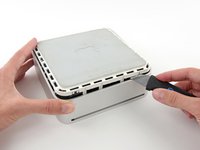
Gently enlarge the existing crevice by prying the handle of the putty knife downward and away from the mini.
-
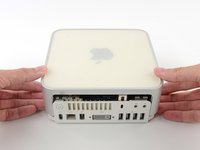
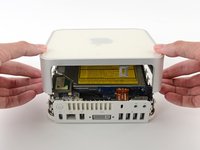
It helps to start in the middle, then work along the edge until the bottom housing pops up slightly.
Edit
Step 6
—
Internal Frame

-
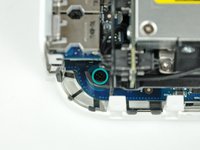
Later in this guide you will remove several recessed Phillips screws. Bit drivers are generally too large to fit in the recesses, so be sure to have a thin shafted Phillips screwdriver on hand.
-
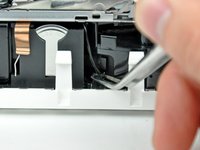
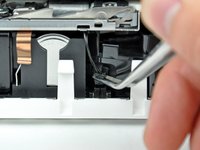
First remove the AirPort antenna (the larger of the two), located near the power button.
-
Slightly squeeze the two retaining arms toward each other and lift the AirPort antenna off its post.
-
Squeezing the two posts excessively will surely break them off the internal frame. Work delicately.
-
During reinstallation, you will have to slightly squeeze the two posts together so they fit into the openings on the AirPort antenna board.
Page 1 of 3