Introduction
Use this guide to remove the iPhone's primary rear camera.
What you need
-
-
Power off your iPhone before beginning disassembly.
-
Remove the two 3.6 mm Pentalobe P2 screws next to the dock connector.
-
-
-
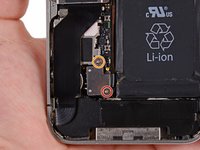
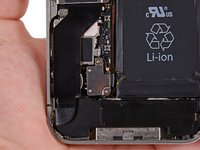
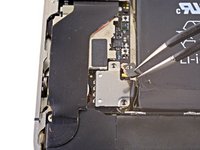
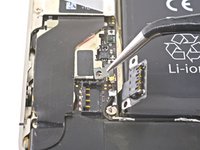
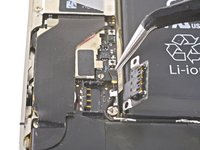
Remove the following screws securing the battery connector to the logic board:
-
One 1.7 mm Phillips screw (PH00)
-
One 1.5 mm Phillips screw (PH00)
-
-
-
-
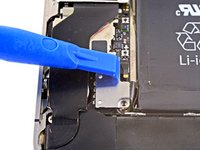
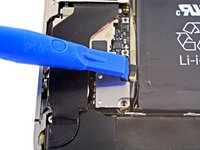
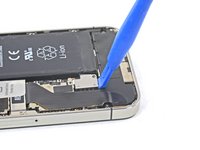
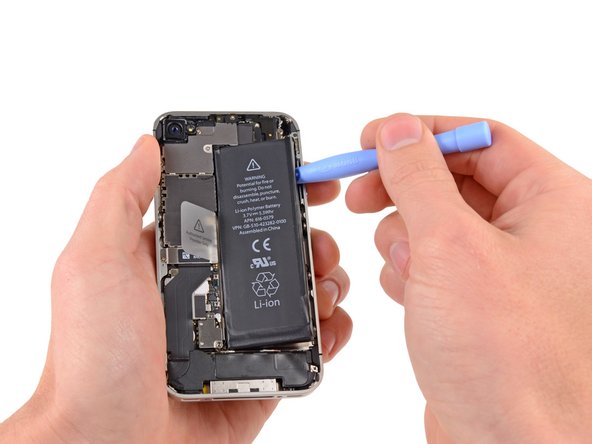
Insert the edge of a plastic opening tool between the battery and the outer case near the bottom of the iPhone.
-
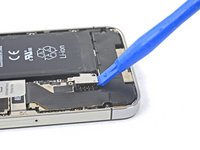
Run the plastic opening tool along the right edge of the battery and pry up at several points to completely separate it from the adhesive securing it to the outer case.
-
Wait about one minute for the alcohol solution to weaken the adhesive.
-
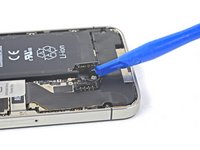
Use the flat end of a plastic opening tool to gently lift the battery.
-









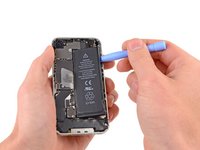


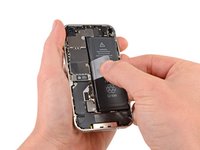


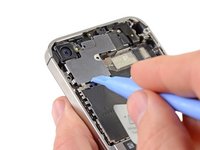
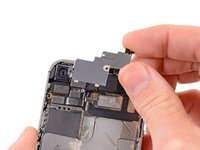


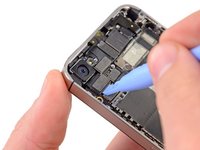
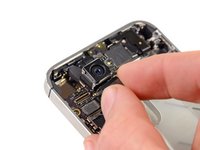
To reassemble your device, follow these instructions in reverse order.
Cancel: I did not complete this guide.
149 other people completed this guide.


5 Guide Comments
Hello I switched the camera on my 4s , cool it appears the image, but when I do sudden movement she hangs for a few seconds and then back to normal, and I can not record video , and the camera ta unfocused , which can be ? software or hardware?
I got same problem. But sometimes, it is normal. I guess its just the strip problem.
Hi - I've changed screen on a lot of iphone 4S.
But I have a problem with 2 of them. When turning them on again the camera just shows a black screen and the flash does not work.
Anyone know what the problem could be ?
Thanks in advance
i want to replace rare camera of iphone 4 with iphone 4s
Not worth it! You will break the connector and ruin the mood!
