Introduction
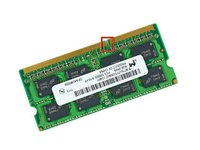
Use this guide to upgrade the RAM in your iMac.
What you need
-
-
Unplug your iMac's AC cord along with any peripheral devices.
-
Lay your iMac face-down on a soft, clean surface as shown.
-
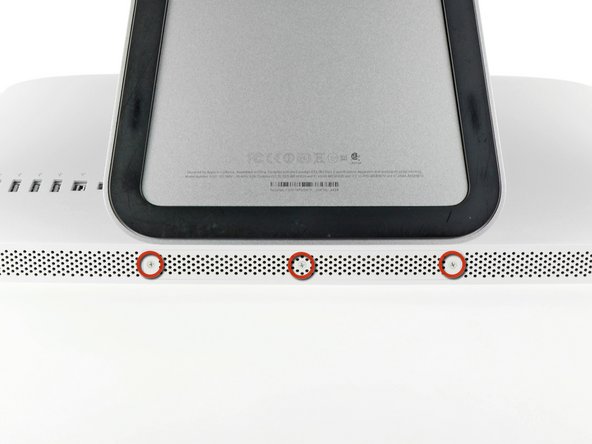
Loosen the three Phillips screws securing the access door to the bottom edge of your iMac.
-
Remove the access door.
-
-
-
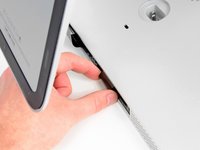
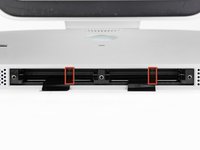
Gently slide the black plastic RAM pull tab out from the RAM slot.
-
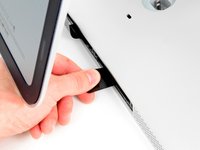
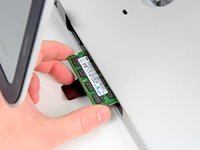
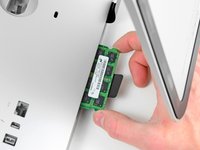
Pull the black plastic tab away from the bottom edge of the iMac to eject the module(s) on that side of the RAM bay.
-
-




To reassemble your device, follow these instructions in reverse order.
Cancel: I did not complete this guide.
68 other people completed this guide.


10 Guide Comments
Can i ad up to 32gb?
I need to know this as well.....
From what I read in the specs for this model it can support up to 16GB
You can't put 8GB modules in these slots. I tried. Apparently the architecture does not support addressing the extra memory in each slot. My iMac would not successfully boot or run for very long before rebooting. So, you have 2GB and 4GB module options, in pairs, among the 4 slots. That should provide 4GB (two 2GBs), 8GB (four 2GBs or two 4GBs), 12GB (pair of each) and 16GB (four 4GBs) options for total RAM.
I'm no expert, but this was my experience.
Larry -
My iMac is a i3 core, can I do the same thing with the same chips?
