Introduction
Use this guide to replace a display data/camera cable that may be worn through from repeatedly opening and closing the display.
What you need
-
-
Remove the eight 4 mm Phillips screws securing the lower case to the MacBook.
-
-
-
Use the flat end of a spudger to lift the battery connector up out of its socket on the logic board.
-
-
-
Remove the following screws from the optical drive side of the rear vent:
-
Two 10 mm T8 Torx
-
Two 5.2 mm Phillips
-
-
-
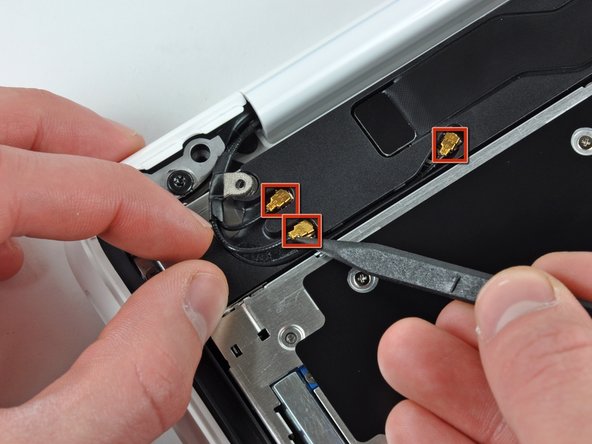
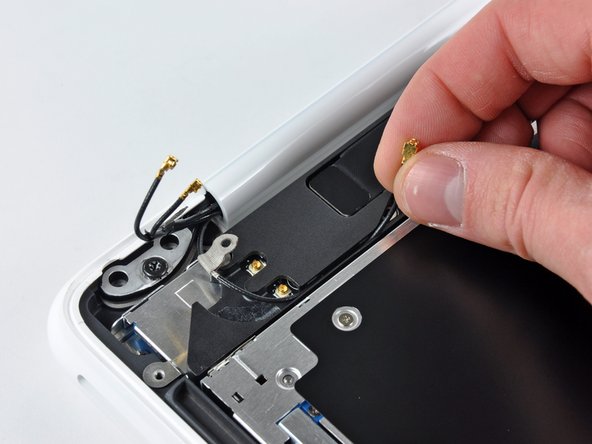
Remove the single 3 mm Phillips screw securing the AirPort/Bluetooth antenna ground strap to the rear speaker.
-
-
-
-
Insert the flat end of a spudger between the thin rubber strip surrounding the front display bezel and the rear display bezel.
-
Use the flat end of your spudger to carefully pry the front display bezel away from the adhesive securing it to the rear display bezel.
-
Continue prying until the front display bezel is free along the right side of the display and behind the right clutch hinge.
-
-
-
Remove the two 3 mm Phillips screws securing the clutch cover to the rear display bezel.
-
-
-
Remove following six screws securing the LCD to the rear display bezel:
-
Four 3.4 mm Phillips.
-
Two 3 mm Phillips.
-
-
-
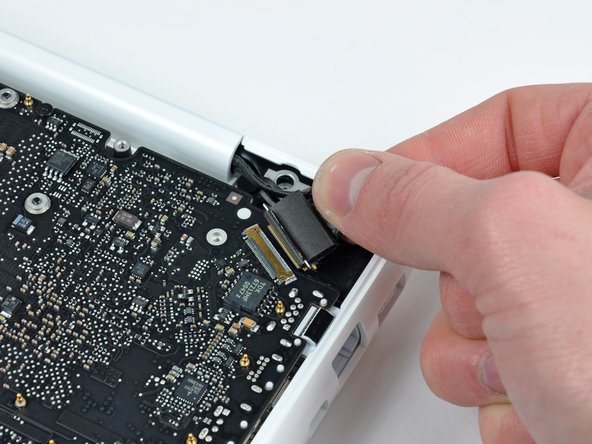
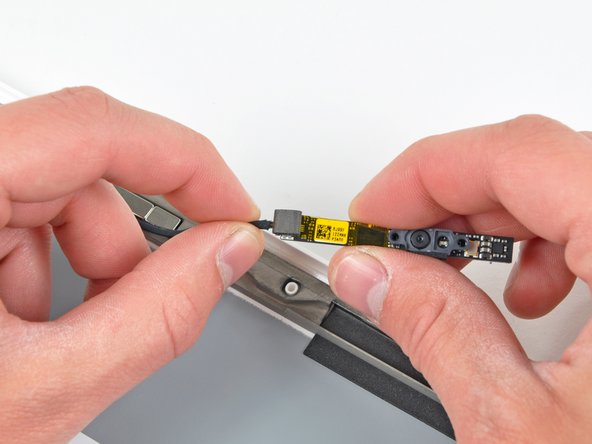
Remove the two small pieces of black tape securing the display data/camera cable to the rear display bezel.
-








To reassemble your device, follow these instructions in reverse order.
To reassemble your device, follow these instructions in reverse order.
Cancel: I did not complete this guide.
29 other people completed this guide.


2 Comments
I hate apple! Freaks!!
Where Can I buy the Display Data/Camera Cable?
I only found the installing guide..
