Introduction
Use this guide to replace your MacBook Pro's optical drive. The Bluetooth board and optical drive cable are not included with a new optical drive.
What you need
-
-
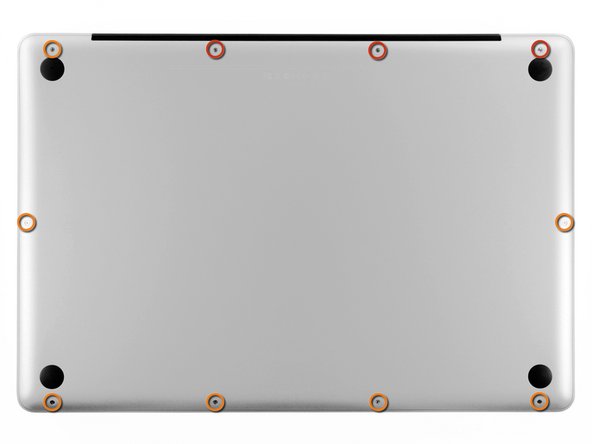
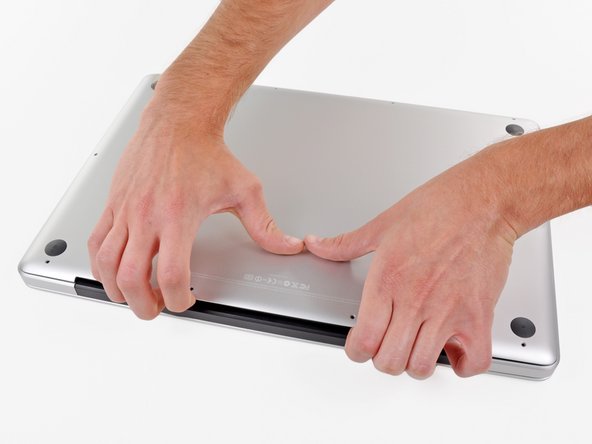
Remove the following ten screws securing the lower case to the upper case:
-
Three 13.5 mm Phillips screws.
-
Seven 3 mm Phillips screws.
-
-
-
If present, grab the plastic tab attached to the battery connector and pull it toward the front edge of the device. For Late-2011 models the battery connector will not have a tab and is simply a plug that inserts straight down into the motherboard--to remove pry the plug straight up.
-
-
-
Use the tip of a spudger to push the small plastic cable retainer away from the camera cable socket for enough clearance to remove the camera cable.
-
-
-
-
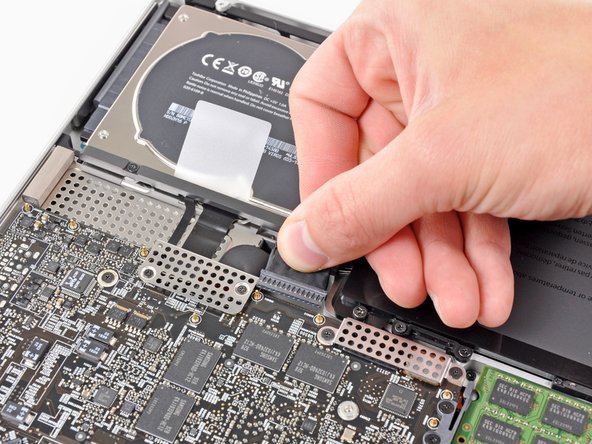
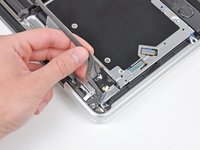
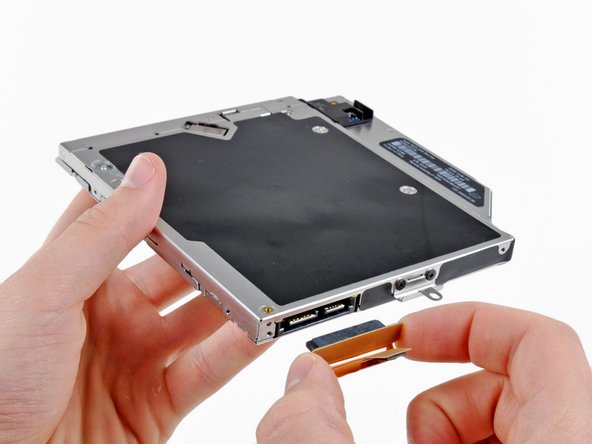
Grab the optical drive cable by its connector and pull it away from the body of the hard drive.
-
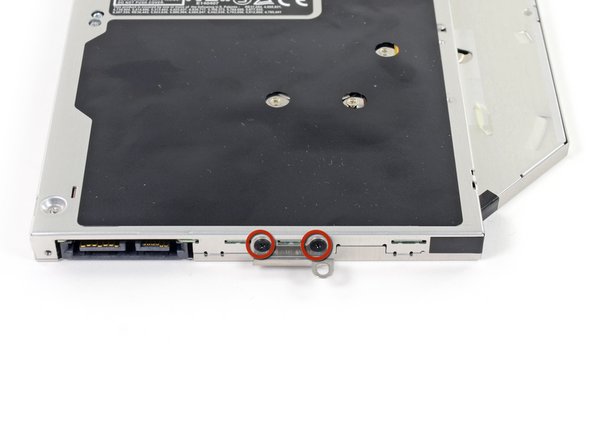
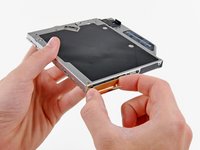
Remove the two black Phillips #0 screws securing the small metal mounting bracket. Transfer this bracket to your new optical drive or hard drive enclosure.
-






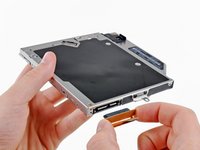
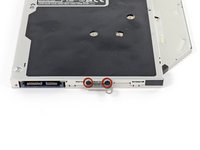


To reassemble your device, follow these instructions in reverse order.
Cancel: I did not complete this guide.
59 other people completed this guide.


7 Guide Comments
Not sure which Unibody model is pictured, but my Late 2011 17” looks entirely different from this one.
I’m attempting to replace the internal optical drive with optical bay hard drive enclosure on a Model A1297 MacBook Pro 17" Unibody, but the interior looks a lot different from this guide. Have you had any luck getting a correct guide for your model?
Andrew/iFixit Team,
Do you know of any third-party blu-ray player/burner that can be used to replace the standard DVD Burner/Player? Thanks so much for any advise? All the best. - emil
I have installed a Matshita UJ167AM DVDRW/BDROM which is a direct replacement.
Working fine with MacGo Bluray player.
Haven’t got around to a Bluray burner yet, I just wanted to play bluray.
