Introduction
Use this guide to replace your bare logic board. This requires removal of every component attached to the logic board.
What you need
-
-
Remove the following ten screws securing the lower case to the upper case:
-
Three 13.5 mm (14.1 mm) Phillips screws.
-
Seven 3 mm Phillips screws.
-
-
-
Use the edge of a spudger to pry the battery connector upwards from its socket on the logic board.
-
-
-
Use the attached plastic pull tab to remove the battery from the upper case.
-
Charge it to 100%, and then keep charging it for at least 2 more hours. Next, unplug and use it normally to drain the battery. When you see the low battery warning, save your work, and keep your laptop on until it goes to sleep due to low battery. Wait at least 5 hours, then charge your laptop uninterrupted to 100%.
-
If you notice any unusual behavior or problems after installing your new battery, you may need to reset your MacBook's SMC.
-
-
-
Remove the three 3.4 mm T6 Torx screws securing the left fan to the logic board.
-
-
-
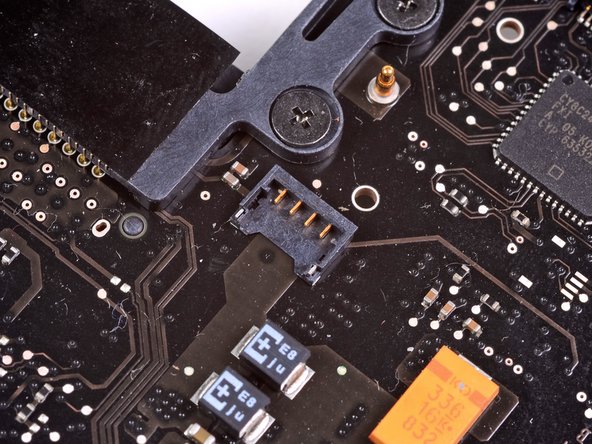
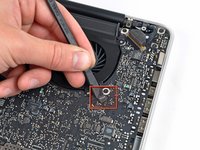
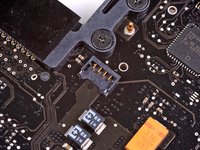
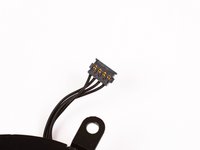
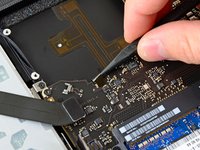
Use the flat end of a spudger to lift the right fan connector out of its socket on the logic board.
-
-
-
-
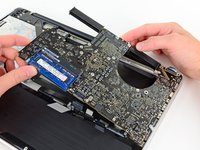
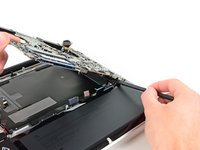
Carefully lift the logic board assembly from its left side and work it out of the upper case, minding the optical drive cable and the I/O ports that may get caught during removal.
-
If necessary, use the flat end of a spudger to separate the microphone from the upper case.
-
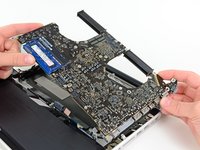
Pull the I/O port side of the logic board away from the side of the upper case and remove the logic board assembly.
-
-
-
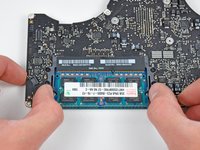
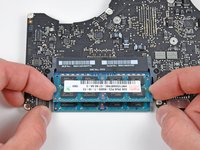
Release the tabs on each side of the RAM chip by simultaneously pushing each tab away from the RAM.
-
After the RAM chip has popped up, pull it straight out of its socket.
-
Logic board remains.
-
If you need to mount the heat sink back onto the logic board, we have a thermal paste guide that makes replacing the thermal compound easy.
-





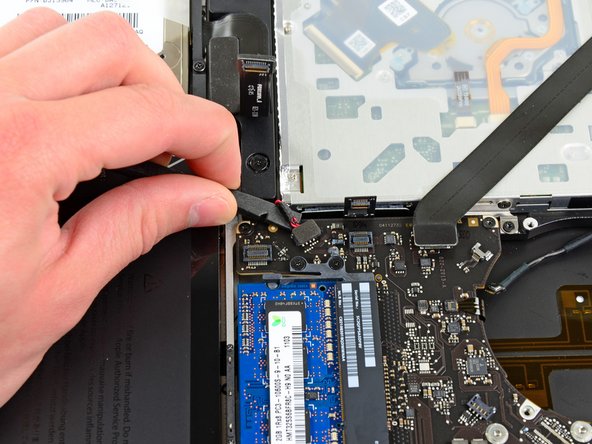


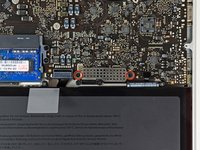
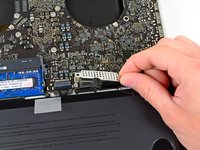


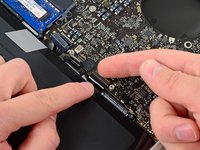
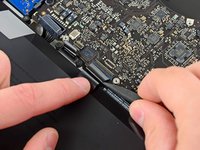


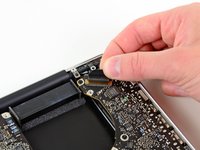
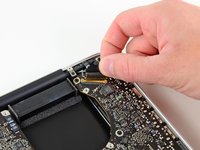


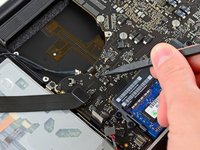




To reassemble your device, follow these instructions in reverse order.
Cancel: I did not complete this guide.
151 other people completed this guide.


30 Guide Comments
Can the CPU replaced on this Logic Board? Or I have to replace the whole Logic Board?!
Logic board completely
gzasuwa -
cpu is part of board
Hello. Why don't you remove RAM in the beginning? Thanks
