Installing Game Boy Micro Buttons

Step Trimmer

Step Trimmer

This guide has unnecessary steps. Trim them to be more concise!

User-Contributed Guide

User-Contributed Guide

An awesome member of our community made this guide. It is not managed by iFixit staff.

Inconsistent Images

Inconsistent Images

Updating the images on this guide to be more consistent with the prerequisites would increase its awesomeness.

  • Author: Jack
  • Time required: 30 minutes
  • Difficulty: Moderate

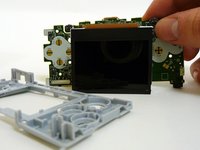
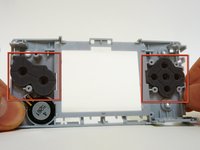
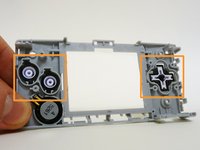
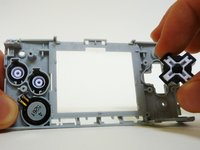
Use the following guide to replace buttons in the device.

Sections
Image #1 Image #2 Image #3

Add Note Edit Step 1 — Battery Cover  ¶ 

  • Remove the Phillips #00 screw on the side of the Game Boy closest to the directional pad.

  • Once the screw has been loosened, lift the cover off the back of the device.

Image #1 Image #2 Image #3

Add Note Edit Step 2  ¶ 

  • With the back cover removed, the battery is connected to the device by two wires and a plastic connector.

  • Gently grab the wires.

Image #1 Image #2

Add Note Edit Step 3  ¶ 

  • Carefully pull the wires until the connector comes out of the device.

  • Be careful! Don't pull too hard or you may rip the wires out from the connector.

  • When putting the battery back in the device, make sure the connector is put in exactly the way it came out.

Image #1 Image #2

Add Note Edit Step 4 — Faceplate  ¶ 

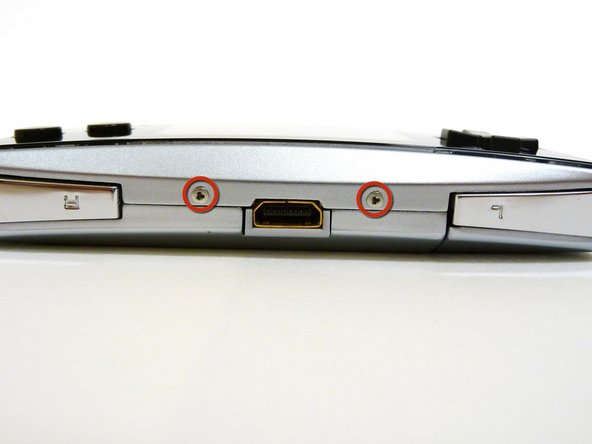
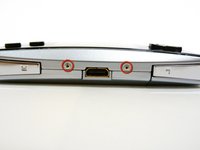
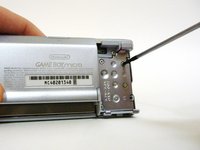
  • Locate the two circular holes on the side of the Gameboy nearest to the directional pad.

Image #1 Image #2 Image #3

Add Note Edit Step 5  ¶ 

  • Straighten the end of a paper clip and push it into each of the circular holes.

  • You may hear a faint click afterwards.

  • Use the paper clip to lever the faceplate off from the unit.

Image #1 Image #2 Image #3

Add Note Edit Step 6 — Buttons  ¶ 

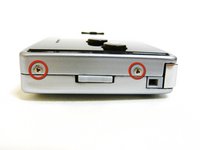
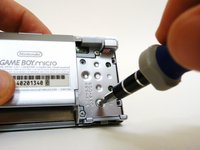
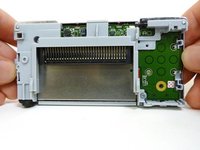
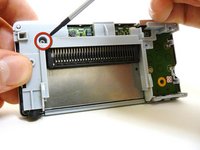
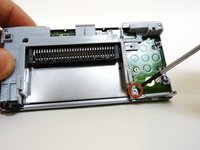
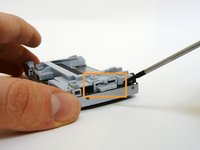
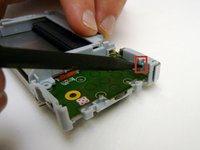
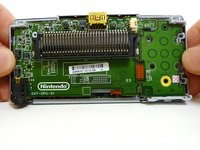
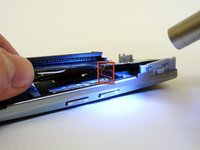
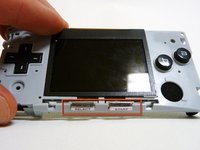
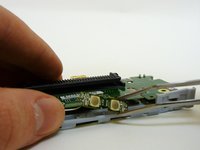
  • Remove two tri-wing screws on the top of the Game Boy and two more next to the volume/contrast switch.

Image #1 Image #2 Image #3

Add Note Edit Step 7  ¶ 

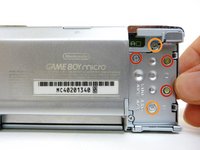
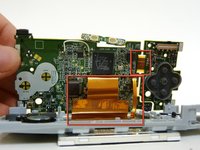
  • Remove the three Phillips #00 screws.

  • Remove the two tri-wing screws.

Image #1 Image #2 Image #3

Add Note Edit Step 8  ¶ 

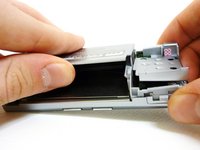
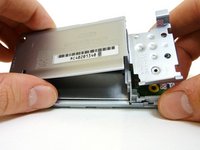
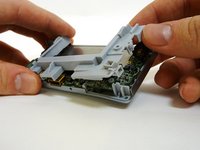
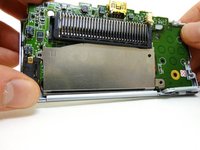
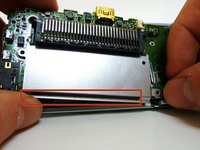
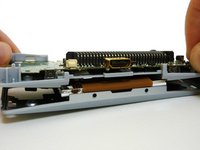
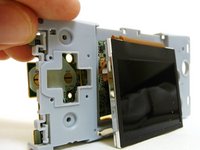
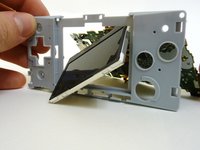
  • Lift the back cover off the Game Boy.

Next » « Previous

Required Tools

Phillips #00 Screwdriver

$4.95 · 50+ In stock

Recommended Tools

Universal Drive Adaptor

$29.95 · 50+ In stock

iFixit Lock Pick Set

$29.95 · 6 In stock

Inspection Scope

$39.95 · 37 In stock

Frictionless Ratchet

$24.95 · 47 In stock

Portable Anti-Static Mat

$24.95 · 15 In stock

Popular Products

iPhone 5 Liberation Kit

$9.95 · 20 In stock

Magnetizer/Demagnetizer

$4.95 · 50+ In stock

Home Tech Toolkit

$24.95 · 50+ In stock

Pro Tech Toolkit Expansion 1

$79.95 · 24 In stock

Comments Add Note Comments are offturn on