What you need
-
-
Remove the batteries, memory card, and wrist strap if so equipped.
-
Remove the four screws on the bottom.
-
Remove the two screws on the right hand side
-
-
-
-
With the case split, you can see the LCD in its holder. The LCD is simply laid into the holder.
-
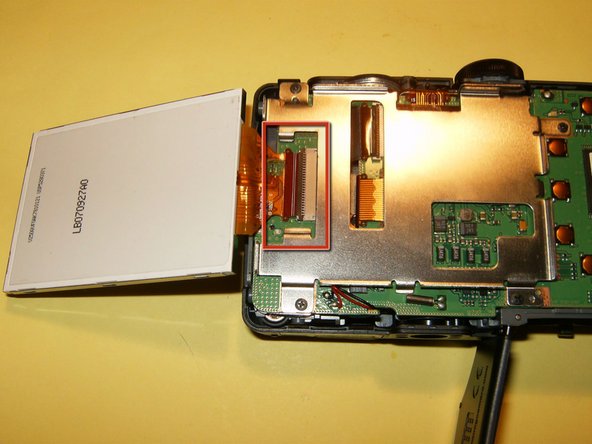
Gently remove the LCD from the holder and just flip it to the side. Do not remove it yet. You will have to loosen the clip on the connector. Use your fingernails to move it in the opposite direction from the LCD, this will open it up.
-
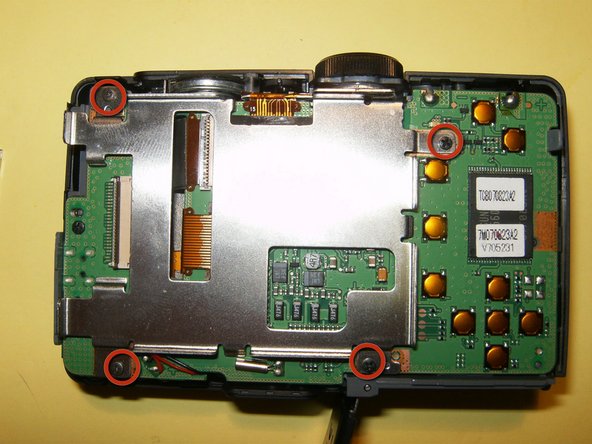
Remove the four screws from the LCD holder.
-
-
-
LCD holder removed from logic board
-
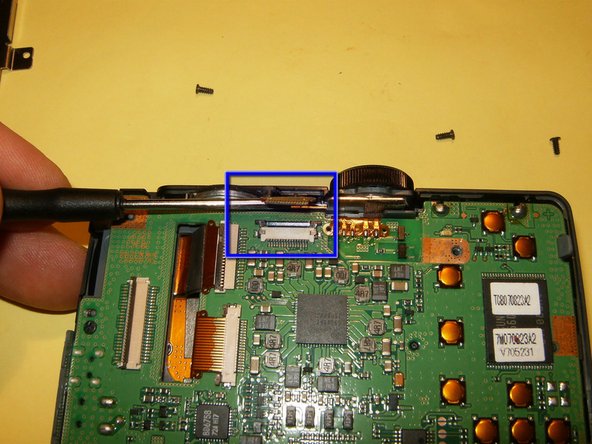
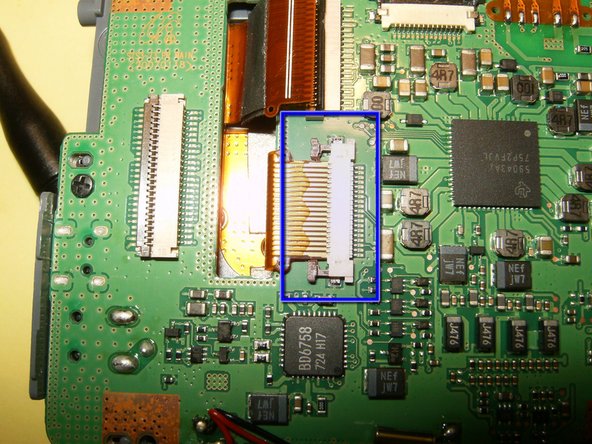
disconnect the ribbon cable from the logic board. This one requires to move the brown tabs on the left and right hands side in an upward direction. They should just slide up by about an 1/8th of an inch. this will free the ribbon cable.
-
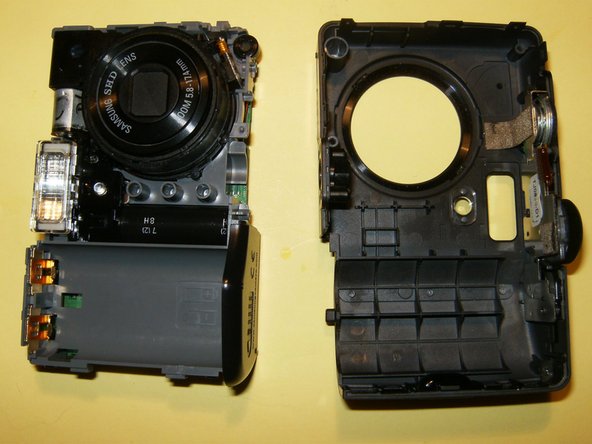
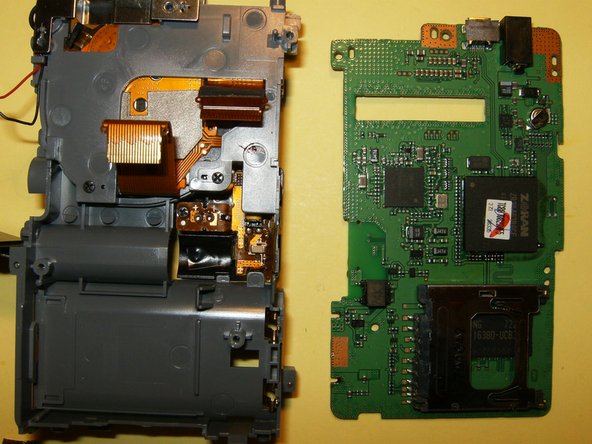
With the ribbon cable disconnected, remove the front case.
-





To reassemble your device, follow these instructions in reverse order.
To reassemble your device, follow these instructions in reverse order.
Cancel: I did not complete this guide.
2 other people completed this guide.


Team

