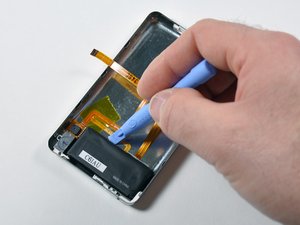
Battery

|
3 Answers 1 Score |
Correct disk formatting for replacement iPod hard drive? |
|
2 Answers 0 Score |
How do I know if this has the Wolfson DAC? |
|
7 Answers 6 Score |
Highest possible capacity for a 30gb iPod 5th gen? |
|
2 Answers 1 Score |
How do I turn off my iPod |
These are some common tools used to work on this device. You might not need every tool for every procedure.
A1136 30 GB, A1136 60 GB, A1136 80 GB
Track down a number of hardware problems using the iPod Video Troubleshooting Guide.
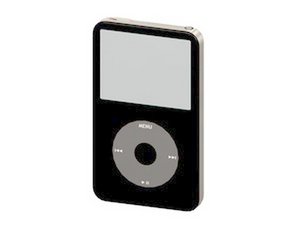
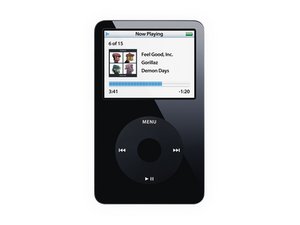
Released early October 2005, the fifth generation iPod, or iPod Video, shed the rounded styling of the fourth generation in favor of a flat front panel attached to a rounded metal rear case. The iPod Video was the first iPod to feature video playback as well as picture viewing. It was offered in sizes ranging from 30 to 80 GB.
Use the iPod identification system to help you identify your iPod. They tend to look very similar, and it's important to know which one you have before ordering any replacement parts.
In order to upgrade from a 30GB HD to a 60/80GB HD you need to replace the following parts:
Past 24 Hours: 72
Past 7 Days: 828
Past 30 Days: 3,957
All Time: 940,640