

2012-2015 Adhesive Strips


|
11 Answers 23 Score |
NVME M.2 SSD with adapter |
|
2 Answers 3 Score |
Is there a way to fix pink lighting around the border of the display? |
|
1 Answer 1 Score |
Ending Fusion-Drive with SSD upgrade, while keeping existing macOS? |
|
5 Answers 7 Score |
Upgrading Processor on Late 2015 iMac 27 |
These are some common tools used to work on this device. You might not need every tool for every procedure.
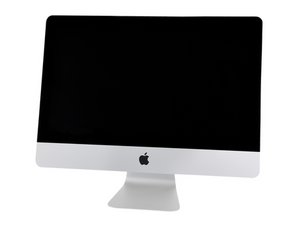
The first unibody iMac was released in October of 2009, replacing the 20 and 24 inch versions of the second generation. Not to be confused with the 21.5” version, this iMac measures 27 inches across opposite corners and came with options for the Intel i-series chips not available initially in the smaller version. The plastic panel that made up the backs of the older generation is replaced with an aluminum enclosure which extends around the sides and front to form a single piece. The RAM slots are also doubled from the previous generation (from 2 to 4) along with the memory capacity (to 32GB).
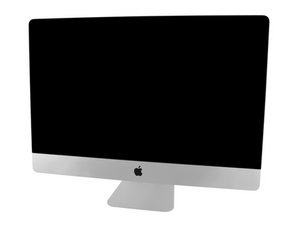
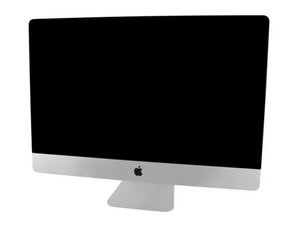
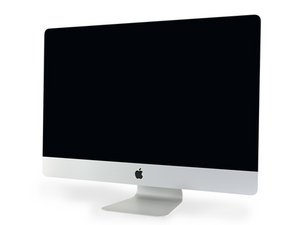
In 2012, Apple slimmed down the iMac for the 4th generation, albeit at the expense of the SuperDrive optical drive. While the 21.5” version saw some decreases in repairability during this generation, the 27” model retained a service cover to allow the user to upgrade the RAM without removing the display and motherboard. The fourth generation continues to be produced, with the latest update having been announced in 2017. However, Apple released a 5th generation Retina iMac in October of 2014, to be produced alongside the non-Retina versions. The Retina model came with upgraded Thunderbolt ports and better spec options, along with the improved display synonymous with the Retina name.
These models of the iMac continue to be produced today, although their design has not deviated much from the version released in 2012. In order to properly identify your Mac, either check the “About this Mac” section under the apple icon in the top left corner of your screen, or find your computer’s model number in the middle of the bottom edge of the computer’s display and use a Mac Serial Number Lookup Tool to find your model.
Past 24 Hours: 223
Past 7 Days: 1,385
Past 30 Days: 6,410
All Time: 1,688,847


