Several steps to recover a Dead Hard Disk
1.Inspect the hard drive for damage.
2.Replace the cable. Plug the hard drive in with a new cable that you know works and try again. Note that an IDE drive will need a flat-ribbon cable.
3.If you have a PATA (IDE/EIDE) drive, switch drive pin settings.
If it was “slave” or “cable select,” set it to “master.”
Plug it in alone without any other device on that port and try again.
4.Try other IDs and/or another PCI controller and try again. If you don't have another controller, a PCI card that adds ports to your computer, just change the ID.
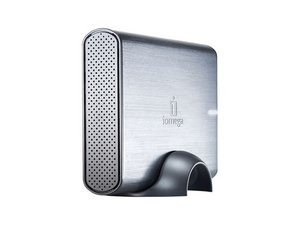
5.Plug it into an external drive adapter or external drive case (i.e. USB) if you have one.
If it does not spin up, try pulsing the power to the drive by turning on and off the external power to the drive motor until it does start to spin.
6.Connect the drive into another computer and try again. If this works, it is possible that the motherboard is at fault and not your hard disk.
7.Try to dislodge the actuators.
Power the drive down.
Slap it on a table on one of its side edges. Do this fairly gently – perhaps hard enough to crack an egg. If the fault is the actuators that actually move the head back and forth this might break it free enough to actually become "unparked" and hopefully allow you to recover your data once the drive will spin up.
Note that if you do this with the drive spinning, it may destroy the drive.

 2
2  1
1 
 1
1