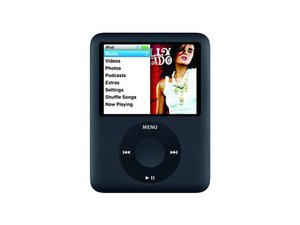
iPod is directing me to www.apple.com/support/iPod
when i turn on my ipod nano i can access anything
Is this a good question?
Score
0

when i turn on my ipod nano i can access anything
Is this a good question?

Rep: 88.7k
 190
190
 259
259
 144
144
You have a issue with it that needs to be dealt with
You will want to try to restore it, and the only way you may be able to do this is in Disk mode
Try plugging it in normally and click restore, if this does not work, you will need to put it in disk mode
To do this, press and hold the center button and menu button down, this will reset it
As soon as it's screen goes black, press the center button and play/pause button, this will force it into disk mode
It may take a few tries, but you'll do it, I have done this successfully many times over, but that's because it takes practice to get it right every time
Even still, I have trouble at times to do it on the iPod nano due to the size of the click wheel
From there, you will want to find iTunes on your computer and plug the iPod in, it will say it's in recovery mode, then click restore, update the software if you need to do so
If this does not work, it will have a logicboard issue, on these iPods, I refuse to suggest changing the logicboard due to cost, if it is the logicboard, it truly is better to just replace the iPod altogether
You can get used iPods cheap, I got my nano 3rd gen from a friend for 10$ and it worked, so look around or ask a friend if they will sell you their old iPod if they got a new one, it may have plenty of life left, my "new" iPod(I say hthat because it's used) will last a fair bit of time, the only gripe I have is it's the 4GB model, but I can't complain for the price
Was this answer helpful?
Past 24 Hours: 0
Past 7 Days: 0
Past 30 Days: 0
All Time: 1,266
