
 2
2  1
1 Why doesn't my iPhone 3GS recognize SIM cards?
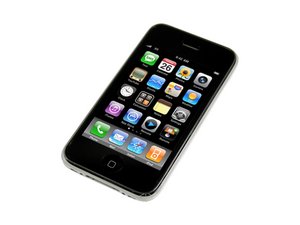
I received an iPhone 3Gs locked. I unlocked it to find it doesn't recognize any SIM cards, so I am unable to get cellular service from any provider in my area. I've got three options in my area. LongLines Wireless, iWireless, and the dreaded AT&T. I have SIM cards from LongLines and iWireless. Here's the kicker. I also have an original iPhone that I'm currently using. Both SIM cards work in the original iPhone. I've done the standard restart/hard reset/reset network settings/restore/ect. This leads me to believe it is a hardware issue with the phone. It's worth mentioning I received this device from a source in South Korea. I reside in the US. This indicates the baseband could be different than others. The iPhone could be setup to broadcast at a frequency different than the standard frequency range used in the US. The only blaring hole in this theory is that the phone came with an AT&T SIM card that was presumably the correct one for the baseband. This one works with the original iPhone as well. This leads me to believe the issue could be with how my iPhone 3Gs reads the SIM cards. My question then becomes "Is the SIM read by the logic board, or is there a separate component that performs this task and passes it on to the logic board?" I really just need to know which component I need to buy to get it to work with cellular networks again. It's my understanding it did work at one time. Any help you could give me would be greatly appreciated.
Is this a good question?

 47
47 

