
1
Score
Asked
My Mac Mini does not boot anymore.
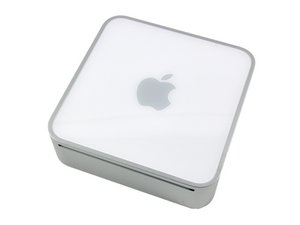
After a power shortage my Mac Mini (A1103) does not boot anymore. I can hear the start sound and see a little folder symbol with a question mark in it. What can I do?
1
Score
mayer
121.8k
Answered
The folder with the question mark means your system can't find a bootable system. The power fluctuation may have damaged the system. Try starting up from your system installation disk by inserting the disk and restarting holding down the "C" key. Go to the second screen pull down menu to Utilities -> Disk utility and repart the drive and repair the permissions. Now try to start up.
Thanks for the hint. Would that work also with the bluetooth keyboard or do I need to connect a USB keyboard?
Unfortunately, it did not work neither with a bluetooth nor a USB keyboard. Or do I need to have a USB mouse, too?
If the USB keyboard is known to be good (please check it id you can), try it in all the USB ports. Yes you will need a mouse. If the keyboard fails you'll have to pull the hard drive to access it in an external enclosure or another Mac and you may have a damaged logic board, so make sure of the keyboard first.
0
Score
wkrossman
11
Answered
What do I do if the internal drive won't boot, but on booting the utility CD and going to Disk Utility,
I can see the drive, but the "Verify Disk Permissions" and "Repair Disk Permissions" buttons are
grayed out? The "Verify Disk" and "Repair Disk" buttons are useable, but they both simply run
through their checks and come up clean?
