
1

Score

Avatar
Dash
13

Asked

Flickering band running down display

History

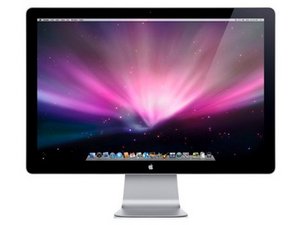
I have a band about 1 inch wide going down the right side of my Apple flat panel monitor. It looks like very thin white lines constantly flickering on the screen. Is this indicative of a bad DVI cable or a problem with the screen itself? Any information would be helpful.

Edited by

Post Answer

1

Score

Avatar
Chris Green
14.9k

Answered

PermalinkHistory

I Have seen this in my brother's laptop, some forums say it is a display panel issue, others say it is a video-ram issue, try hooking up annother display, if it does the same, your computers graphics card is bad, also, which apple display, is it a Studio Display (3 Legged Picture frame like thing with powermac G4's and early G5's) or is it a Cinima Display (Newer Aluminum Displays Matching The PowerMac G5 and Mac Pro) or is it a LED Cinima Display( newer LED Backlight with a Mini-Displayport connector for MacBooks and Mac Mini's)?

Oops, if it's external, than it won't be the video card causing the problem. I thought it was a MacBook display. Anyway, it seems like you have a bad panel.

Chris Green,

0

Score

Avatar
QEII Student IT
3.5k

Answered

PermalinkHistory

Try with a different DVI cable and different input computers to see if it is the screen. If it works with a different cable/computer then the display is fine. If the problem remains the display is broke and I think when that happens you need a new one.

Someone correct me if there is a way of repairing a LCD

0

Score

Avatar
Ptr702
557

Answered

PermalinkHistory

the dvi cable is built into your monitor, so its hard to replace that... could be a bad pin on it or a bad inverter assembly inside. theres not much you can do to fix it without some specialized apple or lcd repair shop that deals in re cabling the screens

0

Score

Avatar
fairleymac
121

Answered

PermalinkHistory

Have you tried attaching your display to another computer to see if the trouble still occurs?

If it doesn't you have a display driver/hardware issue that you need to address.

If it does, you are in some trouble. With a built-in cable, all you might be able to do yourself is open the monitor up and see if the connection is good on the monitor side, and reattach as necessary.

Add Your Answer